





To set up the Wiki using your BlackArmor NAS, please follow this procedure:
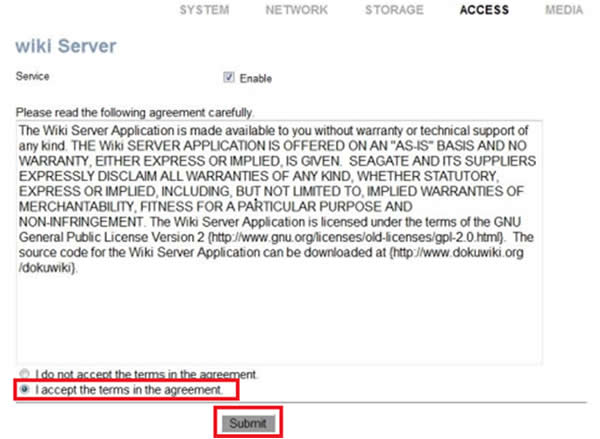
- Login to the Manager page. Go to Access, then wiki Server. Check Enable.
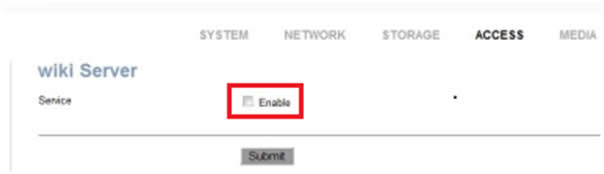
- The agreement opens. Accept it and click Submit.
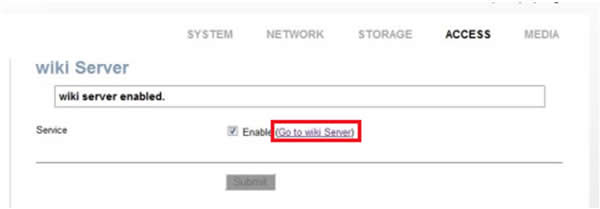
- Click the Go to wiki Server link.
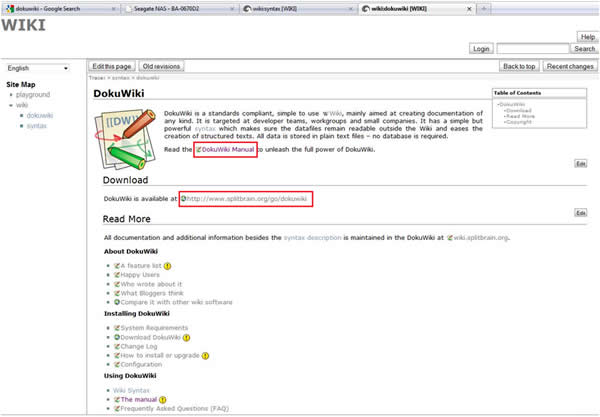
- The wiki opens. Click Help on the right.
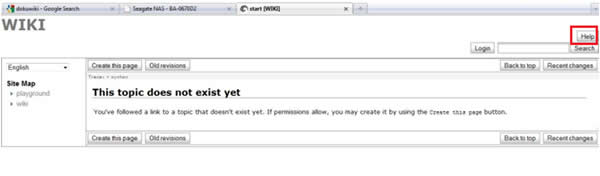
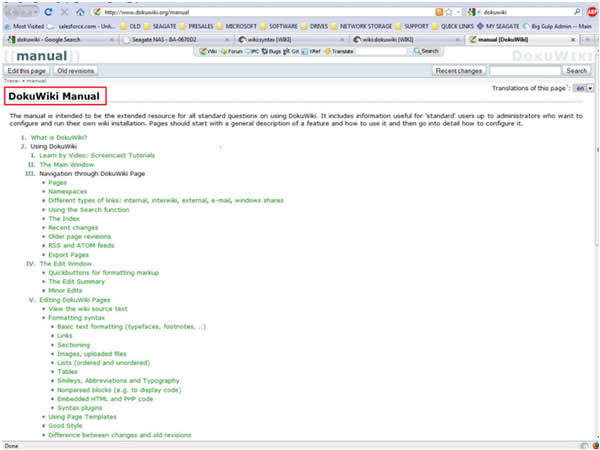
- Click DokuWiki on the left, and you will be able to access the wide variety of help files for assistance, and a link to Download the DokuWiki Manual.