Cet article vous a-t-il été utile ?
Comment pourrions-nous l'améliorer ?
Status LED
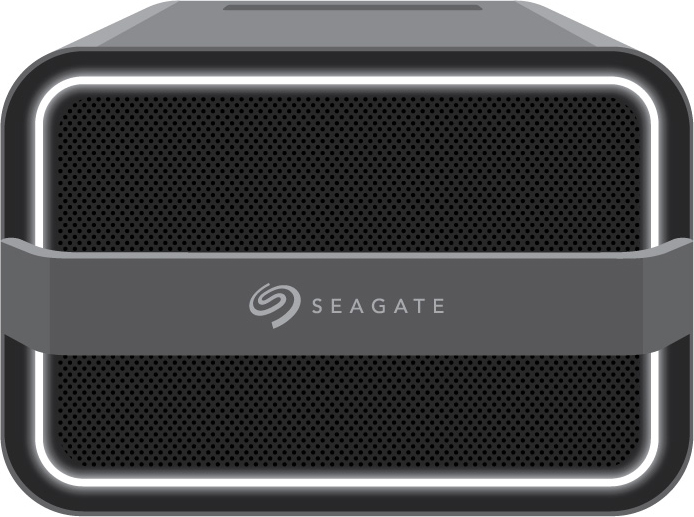
The LED on the front of the enclosure indicates the device's status. See the key below for the color and animations associated with each status.
Key
| Status | Color 1 | Color 2 | Animation | Description |
| Off | N/A | Steady | Device is powered off. | |
| Identification | Breathe | A Lyve Client user has sent a prompt to identify the device. | ||
| Error | N/A | Steady | Error reported. | |
| Warning | Blink | Warning reported. | ||
| Manual power off | Fade out | A user initiated a manual power off. | ||
| Drive locked | N/A | Circular | Drive is locked. | |
| Configuration | N/A | Steady | Lyve Client is configuring the device. | |
| Ingest | N/A | Circular | Lyve Client is copying/moving data. | |
| I/O | Breathe | Input/output activity. | ||
| Ready | N/A | Steady | Device is ready. | |
| Booting | White | Blink | Device is starting up. |