High-performance NVMe drives generate heat during intensive tasks, which can lead to thermal throttling and reduced lifespan. This guide explains why and when heatsinks are necessary for NVMe drives, and how Seagate thermal solutions help your system maintain peak performance in gaming and other high-intensity tasks.
Why do NVMe SSD need heatsinks?
Seagate NVMe SSDs are built for blazing-fast performance, but with such advanced technology comes higher operating temperatures under heavy load. By moving data at incredible speeds through the PCIe interface, these drives rely on powerful, multi-core controllers to manage tasks like error correction, wear leveling and queue handling, which are processes that naturally generate heat.
High-density NAND packaging adds further thermal pressure, while the compact M.2 form factor offers limited space for passive cooling.
During demanding workloads such as 4K video editing, large file transfers, or gaming, temperatures can climb into the 70–80°C range, where protective throttling may activate to maintain a safe operating temperature, drive performance and reliability.
To help users get the most from their NVMe SSDs, Seagate designs with efficiency and durability in mind, while also supporting the use of heatsinks and strong airflow to maintain peak system performance even through demanding workloads.
How does overheating affect NVMe SSD speed and lifespan?
Overheating directly impacts both the performance and longevity of an NVMe SSD. When temperatures rise beyond safe operating limits, which is typically around 70–80°C, Seagate NVMe SSDs — like other premium drives — automatically throttle speeds to allow the SSD to cool down to protect sensitive components.
This means sustained read and write performance may temporarily dip until the drive cools, ensuring data integrity and reliability. While occasional heat spikes are not harmful, consistently running at high temperatures can accelerate wear on the NAND flash and controller, potentially shortening overall lifespan.
That’s why Seagate and other premium NVMe SSD makers design their NVMe SSDs with thermal management technologies and recommend pairing them with proper airflow or heatsinks.
These safeguards help preserve speed, extend drive endurance and deliver the long-term reliability that gamers, creators and professionals expect.
Signs you may need an SSD with a heatsink
Here are some of the telltale signs that you should invest in an NVMe SSD with a heatsink vs. an SSD without one.
1. Frequent performance drops (thermal throttling)
If you notice sudden slowdowns during long gaming sessions, large file transfers, or data-heavy workloads, your NVMe SSD may be throttling its speed to control heat. This is a built-in safety feature, but it can impact your experience when consistency matters most. A heatsink helps prevent these performance dips by keeping temperatures stable, allowing the drive to run at its full potential for longer periods.
2. High operating temperatures
Consistently high drive temperatures — often above 70°C — are a clear sign heat is limiting efficiency. Many users discover this by checking their SSD with monitoring software and seeing elevated temperature readings even during moderate use. Over time, these higher temps can trigger throttling more frequently and place stress on the drive’s components. A heatsink improves heat dissipation and helps keep your SSD within an ideal temperature range even during intensive tasks like Gaming or 4K video editing.
3. Demanding workloads
If you’re using your system for 4K/8K video editing, 3D rendering, CAD, or large-scale gaming libraries, your SSD is under much heavier strain than casual use. These workloads create sustained activity that produces significant heat. Without additional cooling, your drive may struggle to maintain maximum speeds. Choosing an SSD with a heatsink provides the extra thermal management needed to handle these professional-grade or enthusiast-level tasks.
4. Compact or poorly ventilated systems
Small form factor PCs, gaming consoles and laptops often lack the airflow of larger desktop builds. This means heat lingers longer inside the system, making it harder for the SSD to regulate its temperature. In these tighter environments, even light workloads can push a drive toward higher temps. Adding a heatsink compensates for limited cooling options and helps promote smoother, more reliable performance in space-constrained setups.
5. Long-term reliability concerns
Even if you don’t see noticeable slowdowns, prolonged exposure to high heat can accelerate wear on the NAND and controller inside your SSD, reducing its overall lifespan. While Seagate drives have built-in protections, keeping them cooler is always better for endurance. A heatsink helps safeguard the drive’s health over the long term, giving you confidence that it will perform reliably for years to come.
How does protective thermal throttling work?
Protective thermal throttling is a safeguard built into most if not all NVMe SSDs to prevent overheating from damaging the drive.
When an SSD controller detects the temperature is climbing near a critical threshold, which is usually around 70–80°C, an SSD automatically reduces performance to lower heat output.
This typically happens in stages: the controller first slows read/write speeds, then gradually scales back bandwidth and background tasks if temperatures remain high. By limiting activity, the drive generates less heat, giving it a chance to cool without shutting down or risking hardware failure.
This process doesn’t harm the SSD; in fact, it extends its life by protecting the NAND and controller from prolonged exposure to high heat.
The trade-off is that performance may temporarily dip during intensive workloads until the drive stabilizes. With proper airflow, cooling solutions like heatsinks, or good system design, thermal throttling activates less often, allowing the SSD to sustain peak speeds more consistently.
Practical thermal management methods
There are several ways to keep NVMe SSDs running at safe temperatures. The most effective options include choosing an NVMe SSD with integrated heatsink, as well as maintaining strategic airflow inside your system.
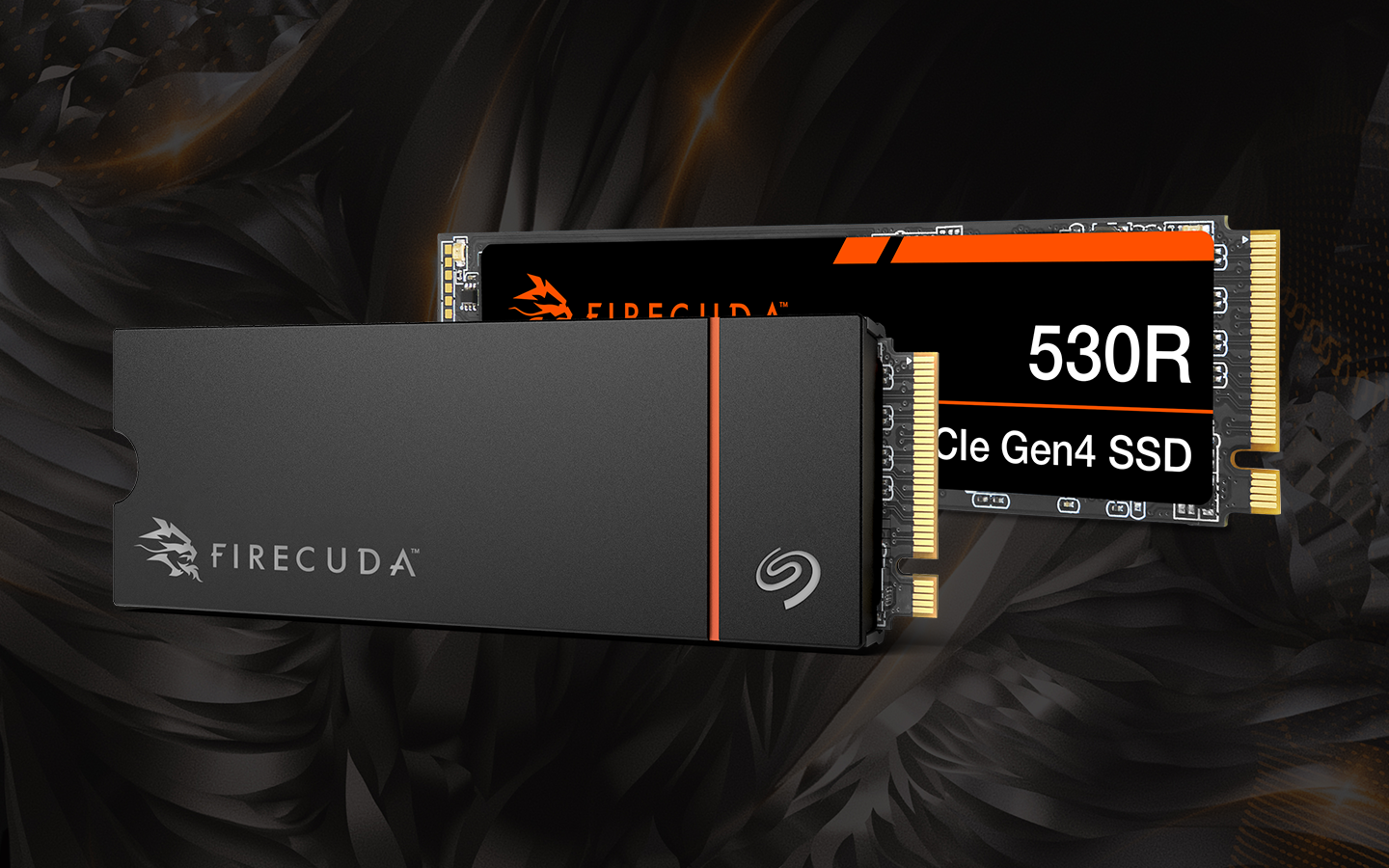
Seagate offers several NVMe SSDs with built-in heatsinks, ensuring drives like the FireCuda® 530R NVMe SSD stay cool even under heavy loads.
Heatsink options: Integrated vs. aftermarket
Integrated heatsinks arrive prefitted to the SSD, which removes some of the freedom to customize but limits the guesswork because you know cooling performance has already been tested for that exact drive.
Aftermarket heatsinks, by contrast, can give you more freedom to choose designs that fit your system or style. The downside is they often require extra steps to install and may not always align perfectly with your setup.
Aftermarket heatsinks appeal to enthusiasts who enjoy customizing their systems or have very specific cooling requirements; though, they require more hands-on effort.
NVMe SSD with Integrated heatsinks are ideal for users who want a hassle-free, reliable option that works right out of the box. Heatsink equipped NVMe SSDs are perfect for gaming consoles like the PS5® or PC builders who value simplicity and certainty.
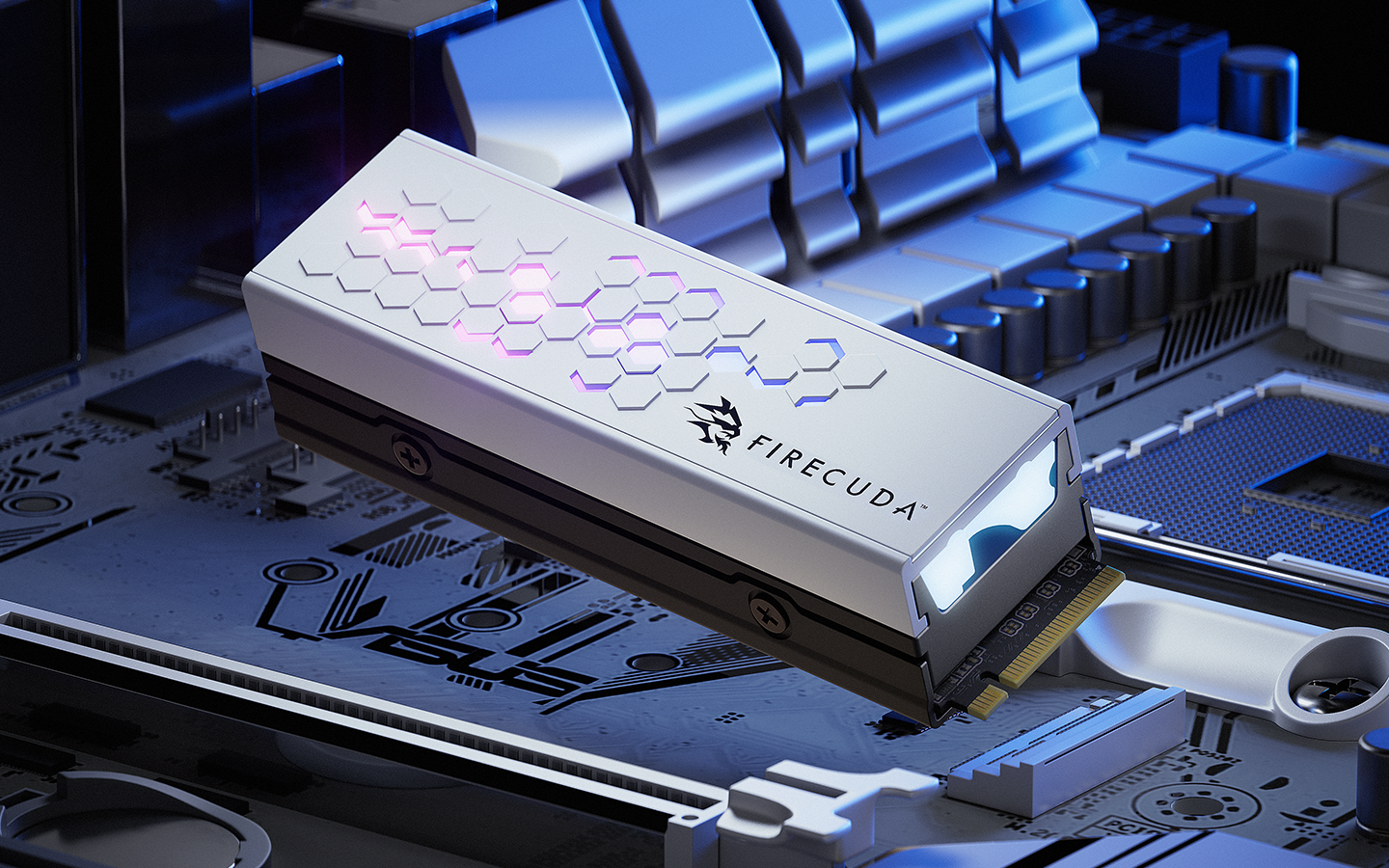
Seagate’s partnership with cooling experts EKWB means FireCuda drives come equipped with precisely engineered heatsinks, combining proven cooling performance with a straightforward installation.
System airflow and PC case considerations
Even the best heatsink can only work effectively with proper airflow inside your PC case. Many users overlook how ventilation impacts SSD performance, yet poor airflow can trap heat and reduce the benefits of a heatsink.
Keeping cables tidy, using intake and exhaust fans, and avoiding blocked vents are simple steps to help maintain steady airflow and maximize cooling efficiency.
Installation and monitoring best practices
Proper installation and ongoing monitoring help keep your SSD cool and reliable.
Drives like the FireCuda 530R come with a pre-installed aluminum heatsink designed for efficient cooling, and Seagate free SeaTools software provides temperature monitoring, so you can track performance over time.
Here are a few best practices to make installation and consistent monitoring easier.
PC installation tips
These are Seagate best tips for successful installations every single time:
- Power down your system and unplug it from the wall. Touch a grounded metal surface, like your case, to discharge static electricity before handling components.
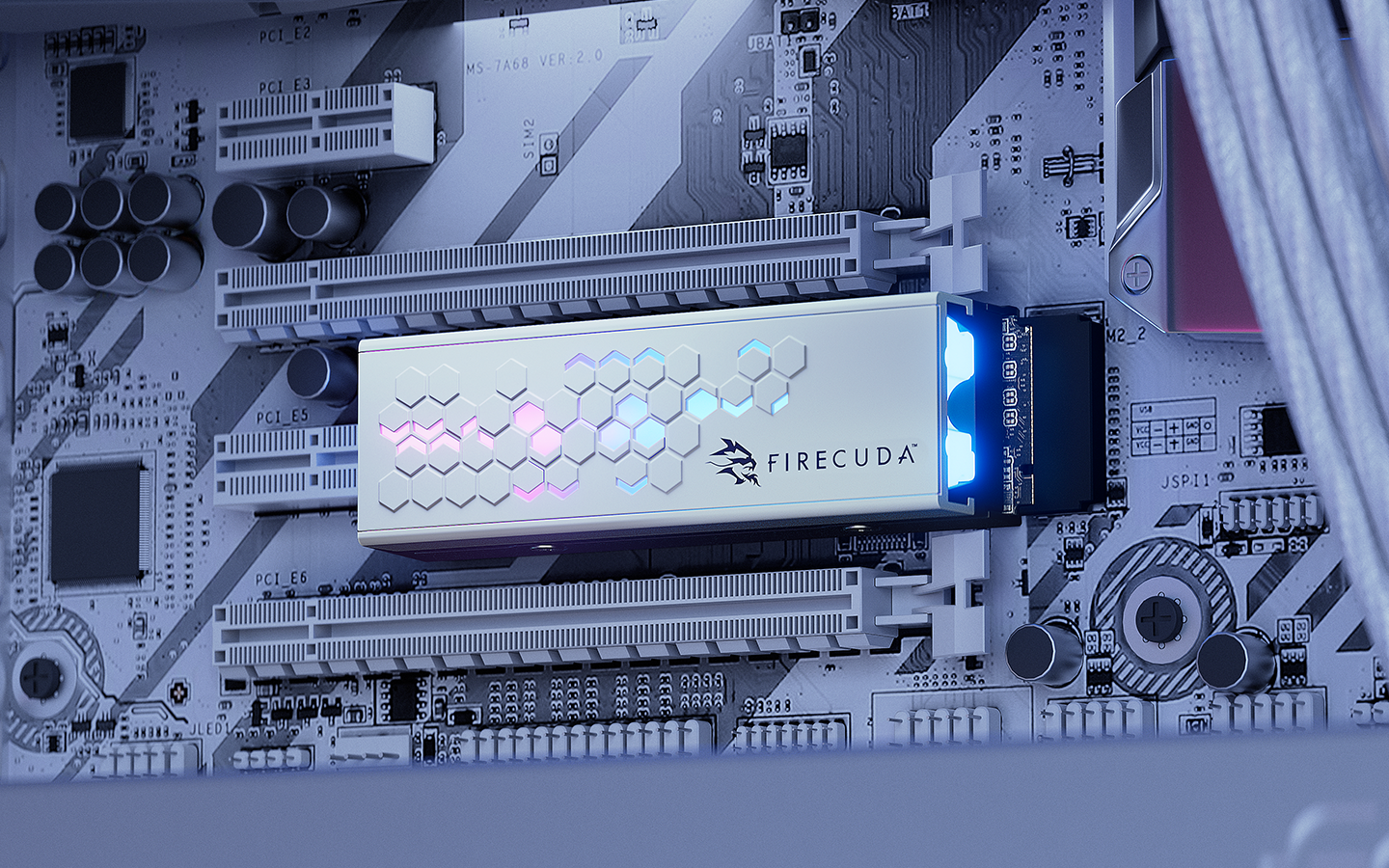
- Locate the appropriate M.2 slot on your motherboard. Refer to your manual to see which slots support the full PCIe generation speed.
- Gently insert the SSD into the slot at an angle, making sure the connector lines up with the notch and press it down until it sits flat.
- Secure the drive with the mounting screw that came with your motherboard. Don’t overtighten, just make sure it’s snug enough to hold the drive firmly in place.
- Close the case cover and power on the system to confirm detection.
Following these steps should help make your installations easier and avoid missteps.
Discover recommended storage for gaming PCs to make the most of your experiences. You can also read our step-by-step SSD installation guide or our guide outlining how to install M.2 NVMe SSDs for more detailed information for this and other installations.
PS5 installation checklist
The PlayStation® 5 requires NVMe SSDs that meet specific size and heatsink requirements, and the Game Drive for PS5® NVMe SSD with integrated heatsink is built to fit. Even better, the installation process is very straightforward:
- Power off the console and unplug all cables.
- Remove the PS5 outer cover to access the SSD expansion slot.
- Unscrew the slot cover and insert the SSD securely.
- Reattach the cover and replace the console’s outer shell.
- Reconnect cables, power on and follow the on-screen prompts to format the new drive.
Once complete, your PS5 will recognize the extra storage immediately, giving you more room for games without worrying about cooling or compliance.
Gaming workloads
Extended gaming sessions can put serious strain on an SSD, especially in fast-paced titles that rely on frequent loading screens, texture streaming and large asset transfers. As temperatures climb, the drive may approach thermal limits, triggering throttling that results in stutter, lag, or longer load times. Adding a heatsink helps maintain consistent temperatures, allowing your SSD to deliver smooth, uninterrupted performance.
When you think about the investment you’ve made in modern gaming — both in time and money — the last thing you want is heat to undermine your gaming experience. By preventing thermal slowdowns, a heatsink-equipped NVMe SSD ensures your system fully supports the games you love. Compared to the frustration of performance dips, the cost of upgrading to a drive with a heatsink is a smart and practical choice for any serious gamer.
Productivity and content creation tasks
Creative professionals stand to gain just as much as gamers, if not more, from investing in an SSD with effective heat management. Tasks like video editing, live streaming, or transferring large files generate constant, high-intensity workloads that benefit greatly from an NVMe SSD with a heatsink to keep things cool.
Consistent cooling prevents these drives from throttling mid-project, resulting in smoother editing timelines and faster renders.
Anyone who regularly works in the field — storing and transferring large 4K video or RAW files — will understand how important those performance benchmarks really are.
Deciding on a heatsink-equipped NVMe SSD
At the end of the day, a heatsink isn’t just an accessory; it’s a safeguard that guarantees consistent speed, system stability and long-term drive health.
Seagate’s FireCuda lineup takes the uncertainty out of the equation by pairing high-performance NVMe SSDs with precision-engineered thermal solutions like heatsinks.
For gamers, that means uninterrupted sessions and faster loading. For creators, it means smooth editing, transfers and rendering without throttling setbacks.
With a FireCuda heatsink-equipped SSD, you’re not just buying storage. You’re securing performance that lasts.
Choosing a FireCuda drive with an integrated heatsink ensures your drive is ready to perform under pressure ... no extra steps required. To explore specifications, capacities and integrated cooling options, explore the complete FireCuda lineup.






.png/_jcr_content/renditions/4-3-small-416x312.png)






-v4.png/_jcr_content/renditions/4-3-medium-688x516.png)