In today’s music industry, every performance — no matter how acoustic — ultimately passes through digital systems. Even the purest analog sound is converted into digital code for production, storage, and distribution.
For professionals working in music production, having the right tools is essential. Just as musicians rely on their instruments, producers and engineers depend on reliable computer hardware to work efficiently, expand creative possibilities, and maintain audio quality.
In this guide, we’ll explore the best storage solutions for music producers, along with tips for choosing the right drive and keeping your projects secure.
Why Storage Matters for Music Production
If your only goal is to store a personal music collection, almost any drive with sufficient capacity will do. But music production is different.
A producer’s drive may hold samples, cuts, stems, works in progress, and completed tracks — much like a video editor manages footage or a designer manages art assets. You need enough space to store and organize everything, as well as fast transfer speeds to prevent your workflow from stalling while files load or save.
Handling Large Session Files and Sample Libraries
One of the things a music layperson doesn’t typically realize is that the several megabyte-sized songs they play on repeat wasn’t always so efficiently packed. There’s quite a bit of process involved.
Otherwise, there would be no need for producers and sound engineers.
Raw recordings and DAW session files can be several gigabytes each. To segment the audio into discrete tracks and compress it for optimal distribution (with minimal loss of fidelity), you need both the full-quality files and the speed to move them quickly between your drive and your system.
Reliability and Data Security
Few things interrupt creativity more than data loss. Corruption, hardware failure, or accidental deletion can stall a project for hours or wipe it out entirely.
While no device can prevent every problem, quality hardware can reduce risk. Modern solid-state drives (SSDs) and hard drives are less prone to sudden failure than older models. Investing in reliable storage can help safeguard your work and your peace of mind.
Best Portable SSDs for Music Producers on the Go
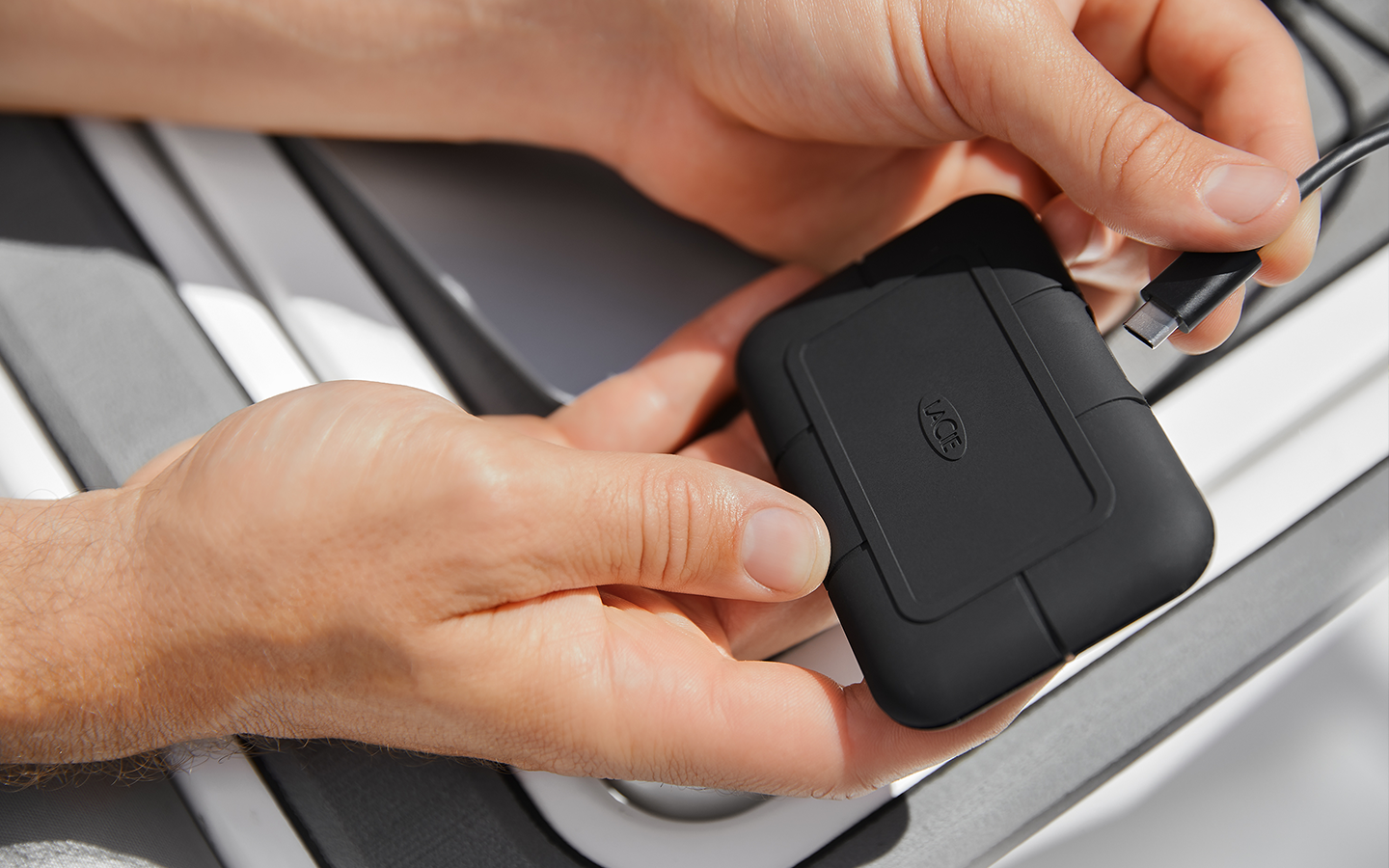
LaCie Rugged SSD Pro: Toughness Meets Performance
The LaCie Rugged SSD Pro is perfect for those who need a portable drive sturdy enough to handle anything a road-tripping rock band can throw at it.
It offers break-neck speeds (up to 2,800MB/s) and storage capacities up to 4TB. IP67-rated water resistant, three-meter drop tolerance, and two-ton car crush resistance, all in a palm-sized package.
It’s also great for location recording and music production on the road because it offers reliable performance. With Thunderbolt 3 speeds and extreme durability, files stay safe in unpredictable conditions.
Best Desktop Drives for Studio-Based Workflows
For studio setups, desktop drives offer higher capacities and excellent, steady performance.
Seagate Expansion Desktop Drive: Simple, Massive Capacity Storage
With capacities from 4TB all the way up to 28TB, the Expansion Desktop Hard Drive is easy to set up and provides high performance, cost-effective space for archiving large projects and freeing up active working drives.
It’s great for music producers because it’s affordable, spacious, and reliable for storing completed sessions and large resource libraries.
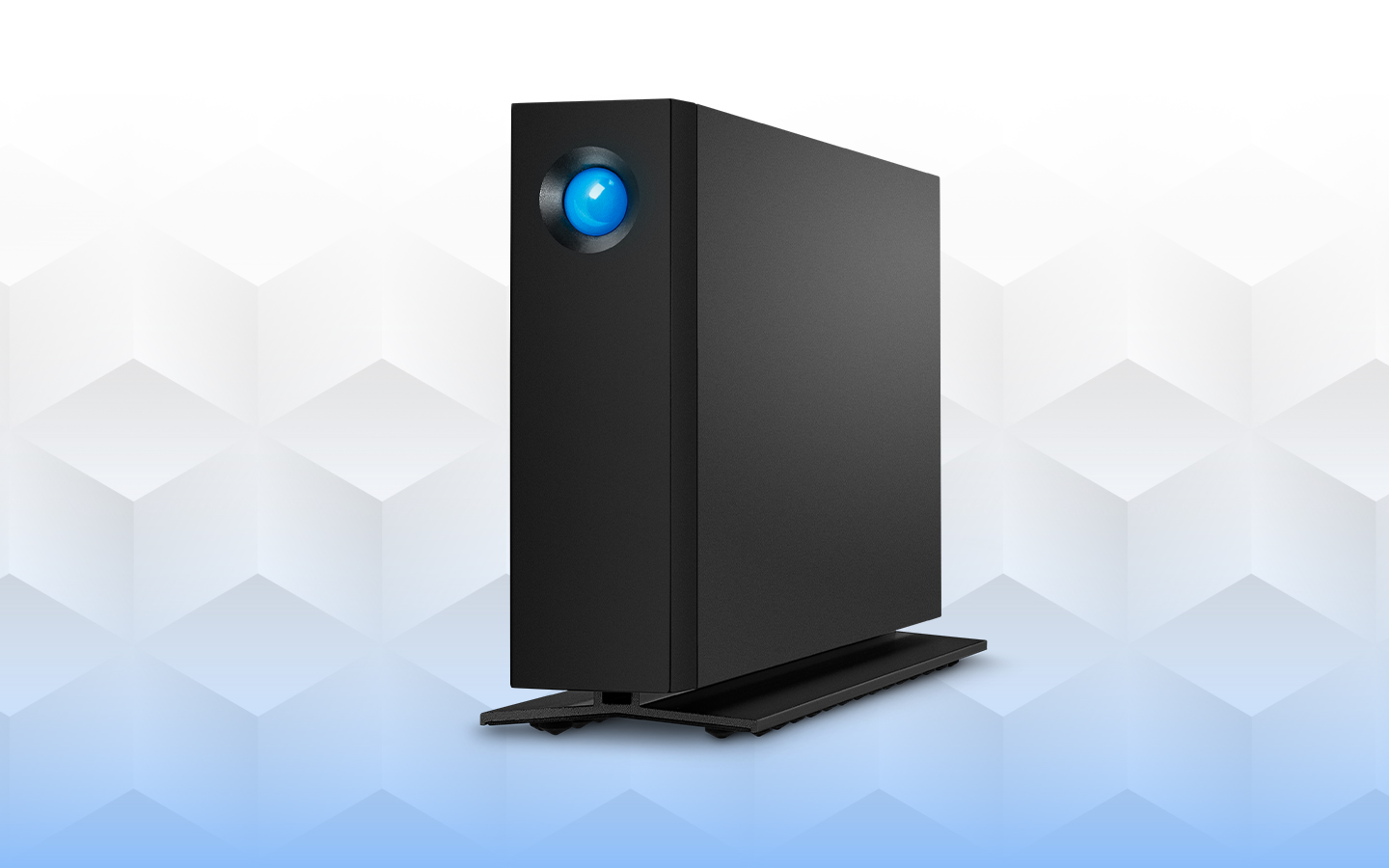
LaCie d2 Professional: Reliable Studio Workhorse
For an impressive blend of high capacities, respectable transfer speeds, and affordable price points, look no further than the LaCie d2 Professional. Designed with creative professionals in mind, this is the best it gets in terms of hard drive performance.
The LaCie d2 Professional is great for daily use as a main session drive in a studio environment. It’s quiet, efficient, and built to handle long, continuous writing and reading sessions without overheating.
Best RAID and Advanced Storage Solution for Large Studios
Larger teams need more resources, including digital assets and equally creative storage solutions.
LaCie 2big Dock: Advanced Capacity and Workflow Integration
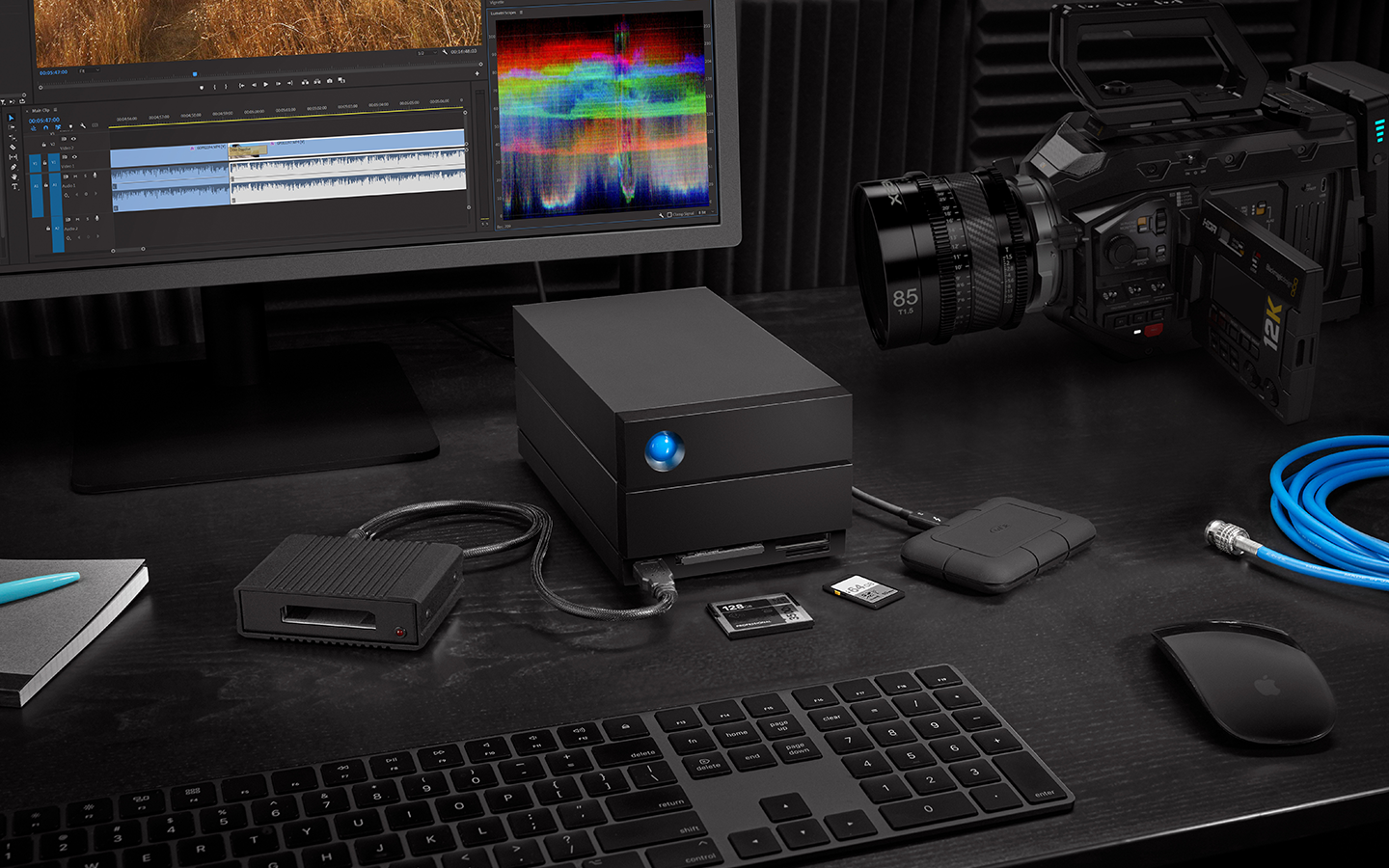
With transfer speeds as fast as 550MB/s, and a broad range of compatible devices, LaCie 2big Dock can serve as the hub for an entire studio. The dual Thunderbolt ports can even daisy chain up to five devices, maximizing your functionality.
It’s great for music production, especially large-scale studios managing multiple projects at once. RAID (redundant array of interconnected disks) configurability allows either redundancy (RAID 1) for data security or speed (RAID 0) for fast audio editing and mixing. Built-in card readers simplify importing from field recorders and other gear.
How to Choose the Right Drive for Your Production Style
Not everyone needs maximum capacity, and not every studio depends on blistering transfer speeds.
Prioritize Speed, Capacity, or Redundancy?
Your ideal drive depends on your priorities: speed, capacity, redundancy, or a balance of all three.
Consider using:
- A fast SSD or hard drive for active recording sessions.
- A high-capacity hard drive for your entire library.
- External RAID storage for backup and protection.
You don’t need to buy everything at once. Prioritize purchases based on what’s most urgent, and then build out your storage assets from there.
Planning for Future Growth
Future-proofing is difficult to do, but it helps to leave yourself a little growing room.
Anticipate how your storage needs might evolve—like larger libraries, higher sample rates, or room for additional collaborators. Plan for scalability so your system can handle new demands without slowing you down.
Tips for Managing and Protecting Your Audio Files
Computer hardware, like an instrument, is just half the equation. The other half depends on the hands that put it to use. Here are some advanced strategies that can help you perform at your best.
Organizing Sessions and Libraries
It’s easy to treat digital storage like an oversized junk drawer, dropping files in wherever they fit, stacking new ones on top, and assuming you’ll remember where everything is later.
Unfortunately, this organizational structure often means scrolling through endless folders, opening mislabeled files, and wasting valuable time you could be spending on actual production work.
A clear, consistent organization system can save you from that frustration. Start by mapping out how you want your files structured, whether it’s by project, date, client, or genre. Then, create a labeling convention that’s both descriptive and easy to scan. Include version numbers, dates, or other relevant details so you always know what you’re looking at.
The key is consistency. Once you’ve adopted a method, stick to it for every project, no matter how small. Over time, this habit turns your drive from a junk drawer into a well-ordered library.
Backups and Redundancy Best Practices
There's a lot that we could say here, but it's hard to beat the rule of thumb used by seasoned tech professionals around the world: the 3-2-1 backup rule.
Make at least three different backups.
Use two different storage media types (physical media, digital drive, cloud storage).
Store at least one copy in a separate location.
You can go a lot further than this, but it's a solid starting point that will provide plenty of safety nets should something terrible happen to your working copies.
Ready to Upgrade Your Studio Storage?
The right sound production storage solution streamlines your workflow, safeguards your creative assets, and helps your tools keep up with your ideas. Whether you’re capturing audio on the go, managing complex studio sessions, or archiving completed projects for future use, dependable storage is essential to maintaining momentum.
Seagate designs professional-grade hard drives and SSDs tailored to the unique demands of creative work, from high-speed SSDs for active production to massive-capacity desktop and RAID solutions for long-term security.
With the right hardware in place, you can spend less time worrying about technical limitations and more time focusing on what matters most: producing your best music.