Was this content helpful?
How could we make this article more helpful?
Getting Started
 Connect the USB cable
Use the USB-C to USB-C cable to connect LaCie Rugged SSD to your computer.

 Set up LaCie Rugged SSD
The setup process lets you:
| Register your LaCie Rugged SSD | Get the most from your drive with easy access to information and support. |
| Install Toolkit | Enable security, create backup plans (Windows only), and more. |
 Start here

Using a file manager such as Finder or File Explorer, open LaCie Rugged SSD and launch Start Here Mac or Start Here Win.
 Register your device
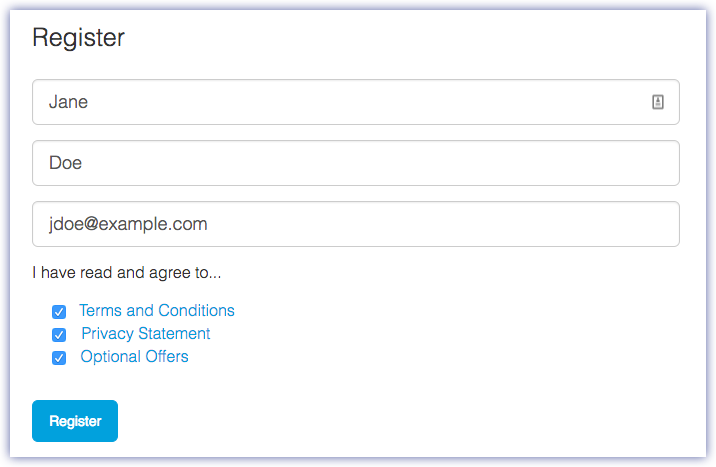
Enter your information and click Register.
 Download Toolkit

Click the Download button.
 Install Toolkit

Using a file manager such as Finder or File Explorer, go to the folder where you receive downloads.
 Open the LaCieToolkit.zip file. Click on the LaCie Toolkit Installer to launch the application.
 Click on the LaCieToolkit.exe file to launch the application.
Storage format
LaCie Rugged SSD is preformatted exFAT for compatibility with both Windows and Mac computers. If you use the drive with only one type of computer, you can optimize file copy performance by formatting the drive in the native file system for your operating system. See Optional Formatting and Partitioning for details.
Disconnecting the device
In order to avoid file system corruption, it’s important to unmount LaCie Rugged SSD’s volumes before disconnecting the interface cable. See Safely Remove Devices From Your Computer for details.