Was this content helpful?
How could we make this article more helpful?
Connection Options
 | Lyve Mobile Array can be used as direct-attached storage. See Direct-Attached Storage (DAS) Connections. |
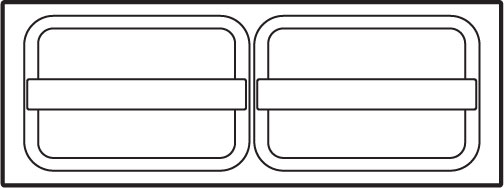 | Lyve Mobile Array can also support connections via Fibre Channel, iSCSI and Serial Attached SCSI (SAS) connections using Lyve Rackmount Receiver. For details, see the Lyve Rackmount Receiver user manual. |
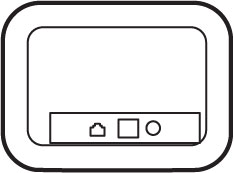 | For high-speed mobile data transfers, connect Lyve Mobile Array using Lyve Mobile PCIe Adapter. See the Lyve Mobile Mount and PCIe Adapter user manual or Lyve Mobile Mount and PCIe Adapter - Front Loader user manual. |
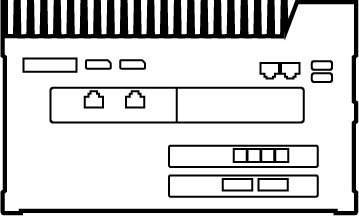 | Share and manage connected Lyve Mobile Arrays on a local network using Lyve Mobile Link. See the Lyve Mobile Link user manual. |
Lyve hardware / software solutions
How you authorize and manage Lyve Mobile Array depends upon your use case and the hardware associated with your project.
Lyve Client and Lyve Mobile Array CLI are used for Lyve Mobile Arrays directly connected to a Windows, macOS, or Linux host. These apps have dedicated installers specific to the host.
You cannot use either app to access shares on the network provided by Link.
If you are moving Lyve Mobile Arrays between Link and other hosts, you may need more than one app. For example, the Link web app for the Link connection and Lyve Client on a Windows or Mac host.
The table below provides a simple summary of Lyve software and hardware solutions based upon general use cases.
| Lyve Mobile Array Connection | Lyve Security: Software or Hardware | Supported Lyve Mobile Array Data Ports | Notes |
| Single host computer Lyve software required on host computers | Software:
|
|
|
| Single host computer No software required on host computers | Hardware:
|
|
|
| Network sharing (up to two Lyve Mobile Arrays) No software required on host computers | Hardware:
|
|
|