







This article covers how to add external storage to a PlayStation 4.
Starting with update 4.50 the PlayStation 4 can now use external drives up to 8TB for external storage for games and applications with user save files still being saved locally on the internal drive.
Note: Currently Backup Plus Hub products are incompatible, regardless of capacity.
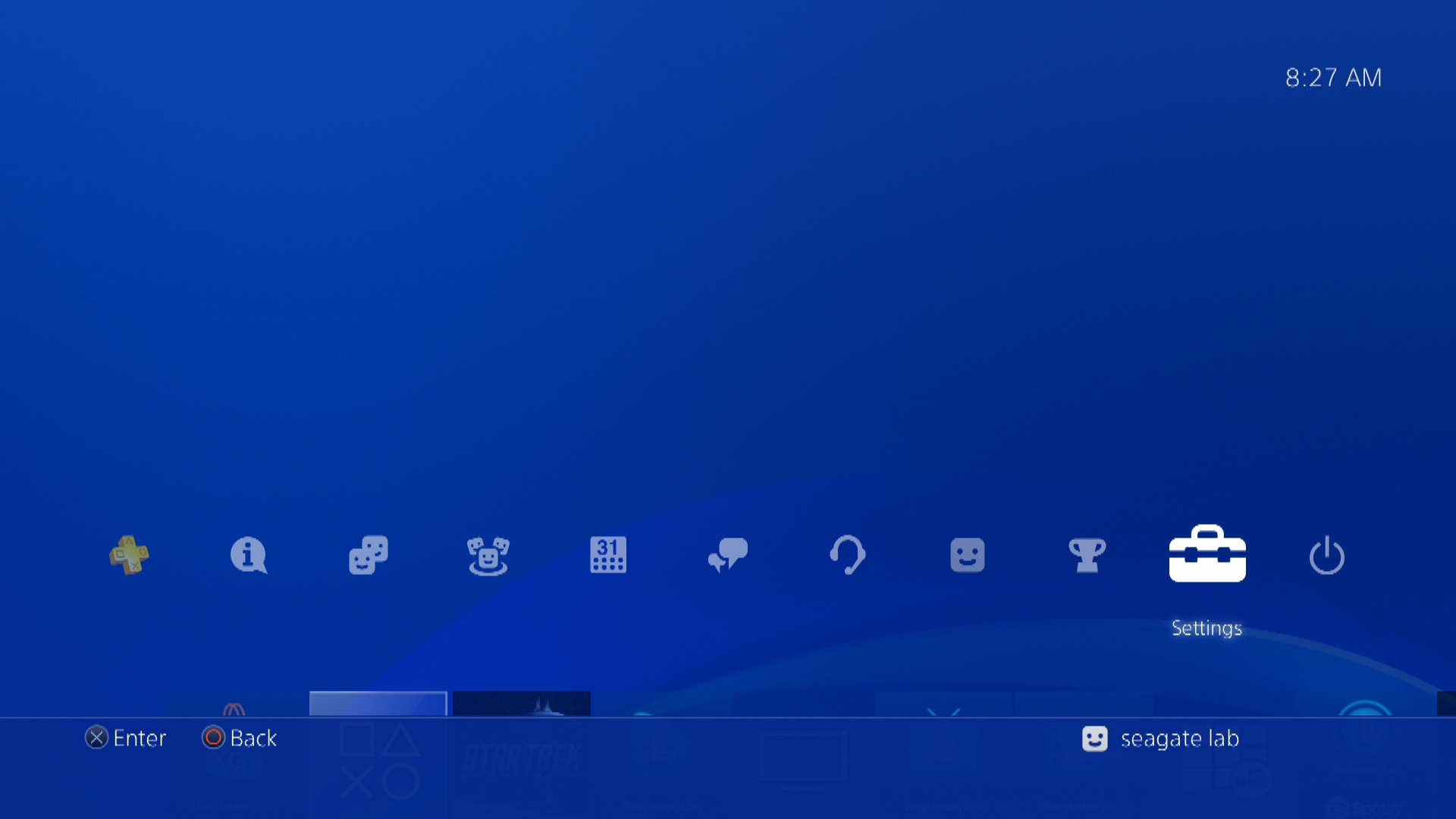
1) Plug the drive in, then go to Settings
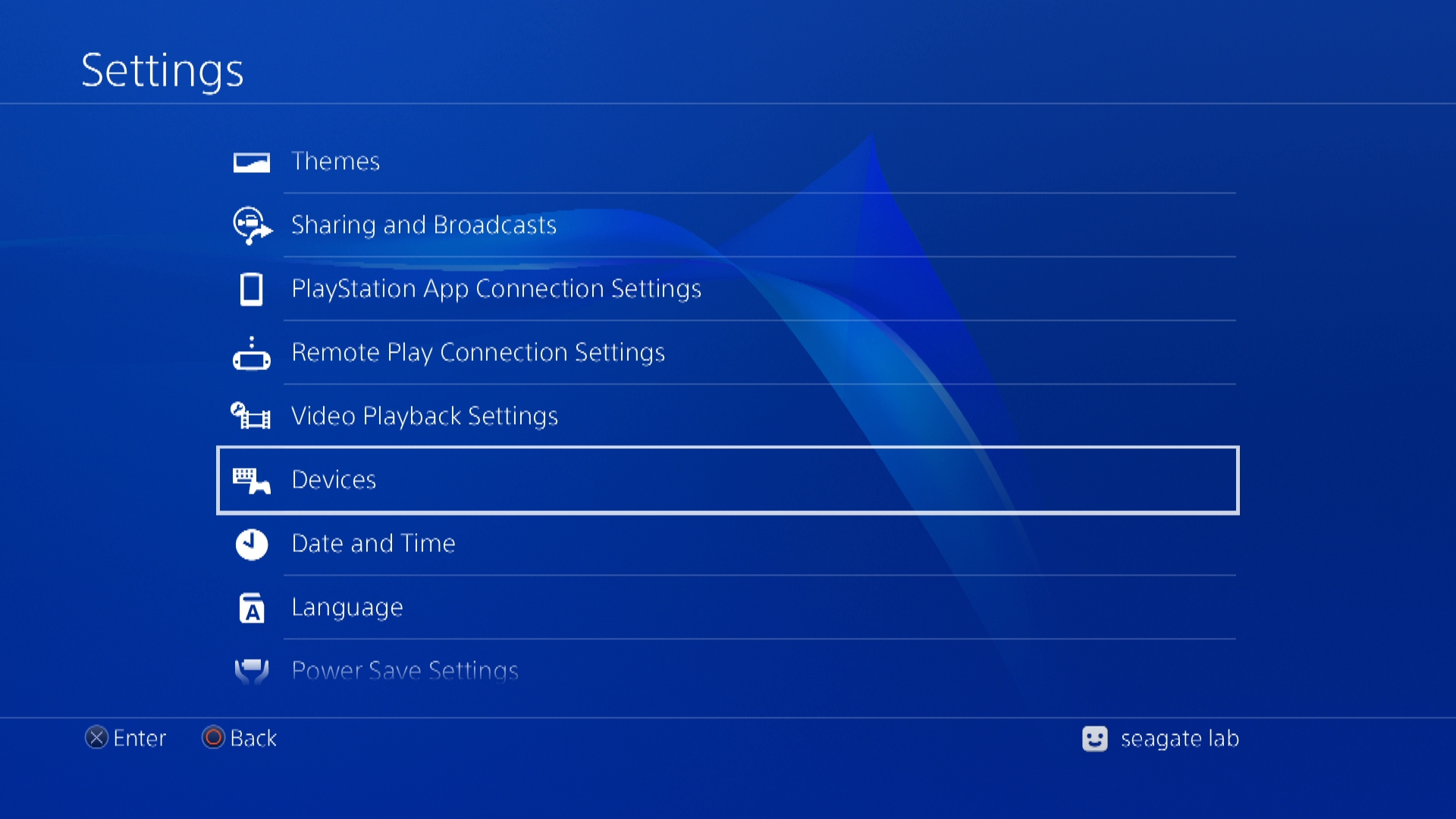
2) Then Devices
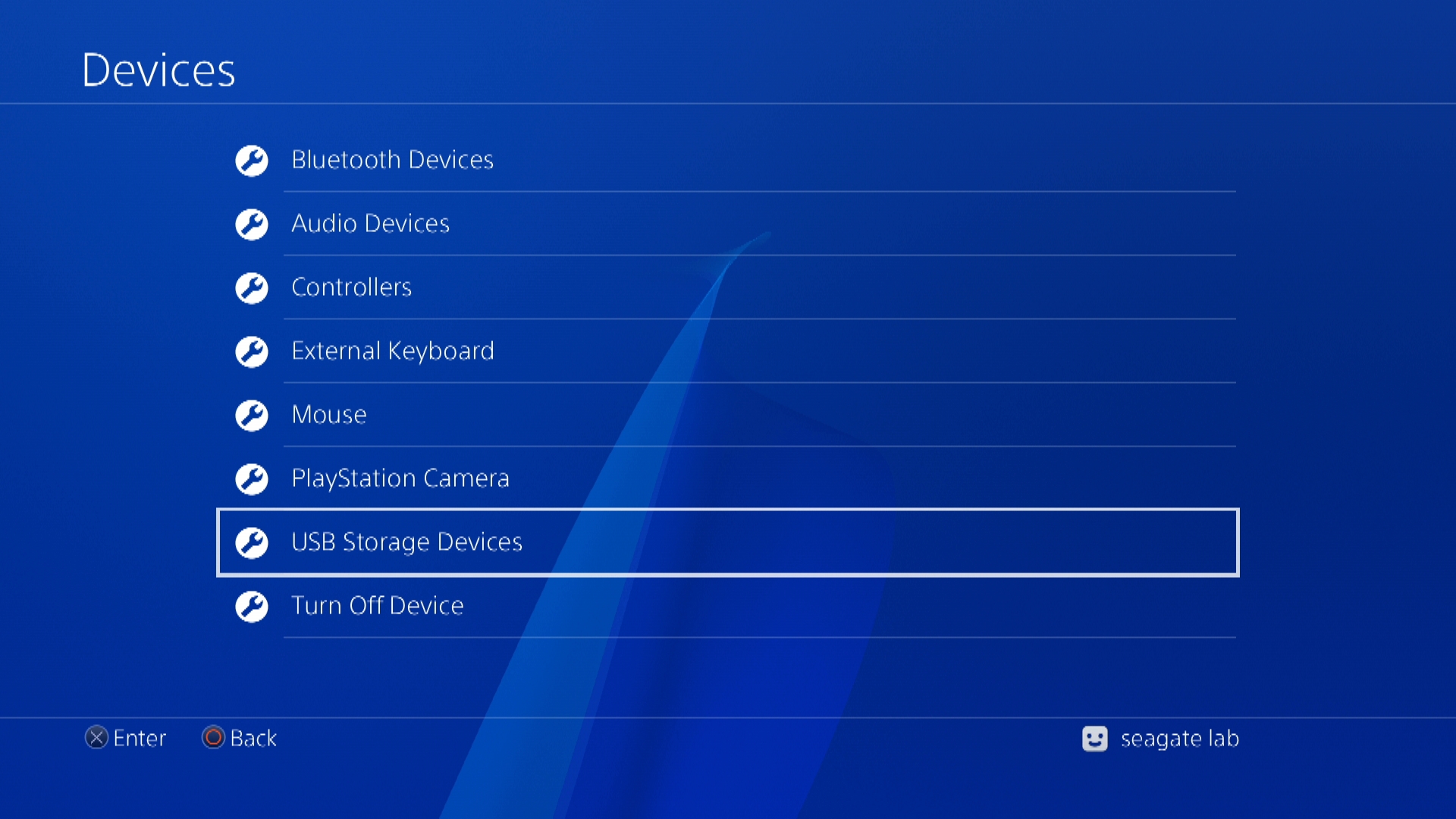
3) Then USB Storage Devices
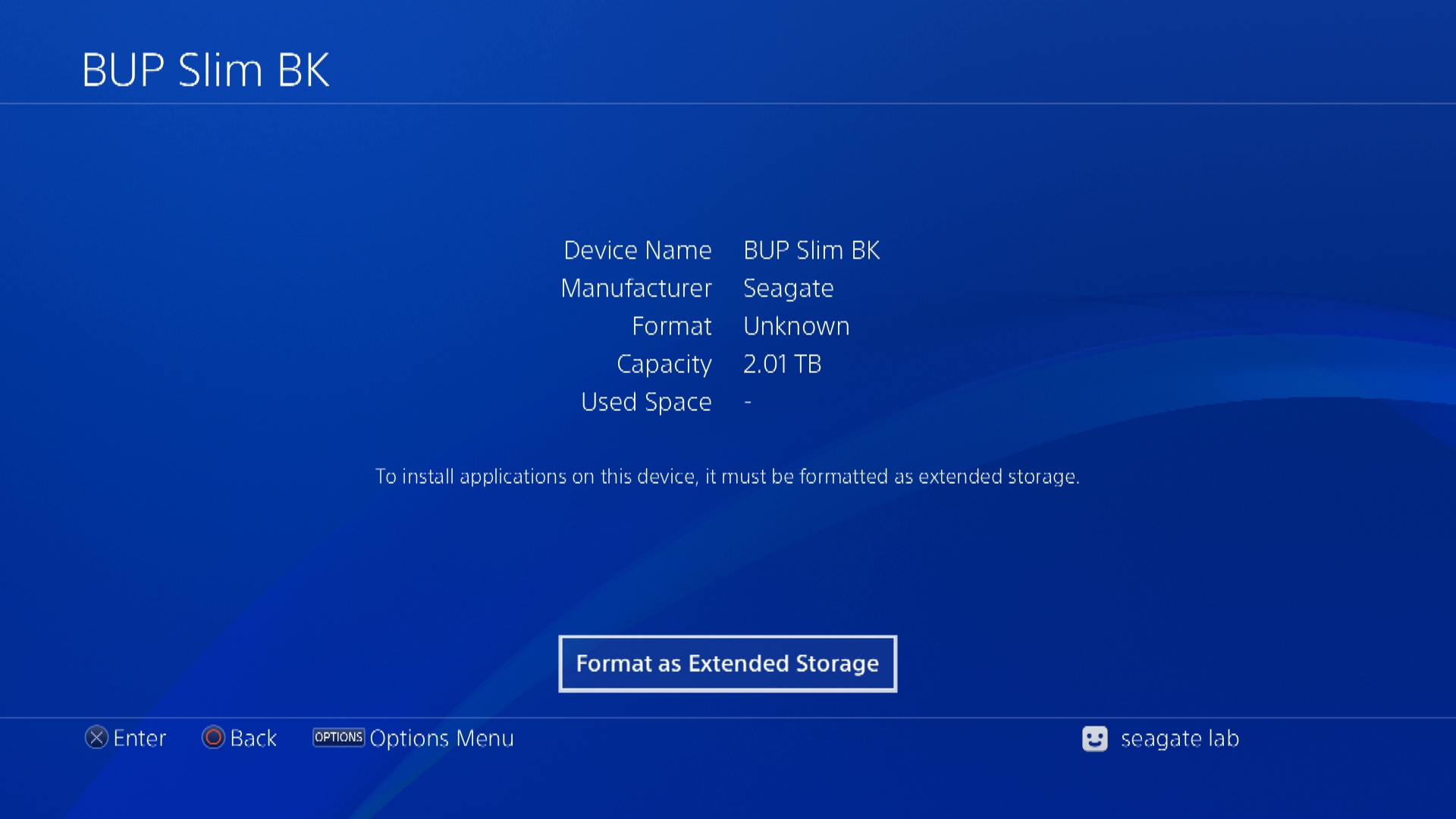
4) Press the X button to select the Seagate Drive

5) Select Format as Extended Storage
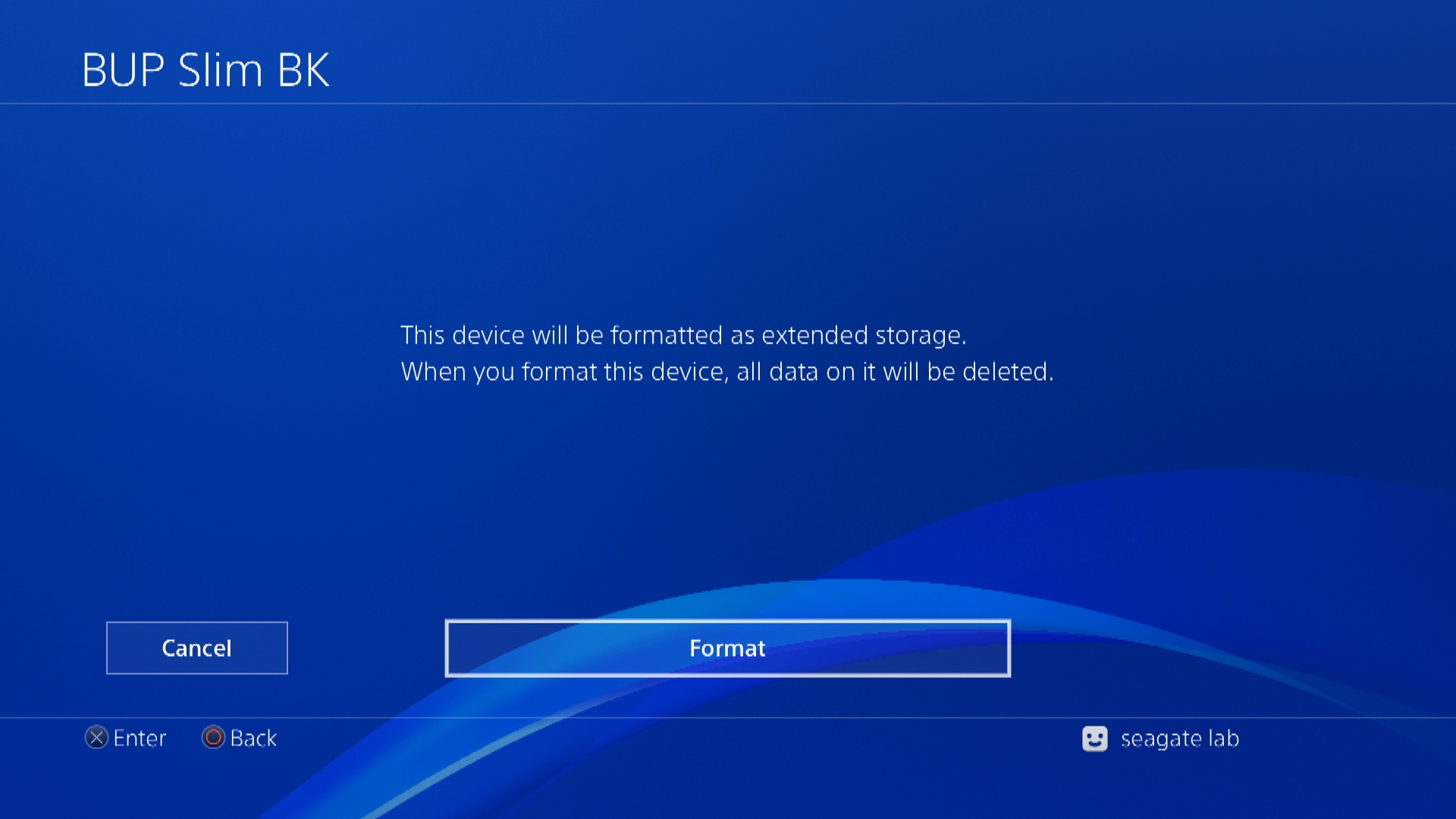
Note: Formatting will erase everything on the drive
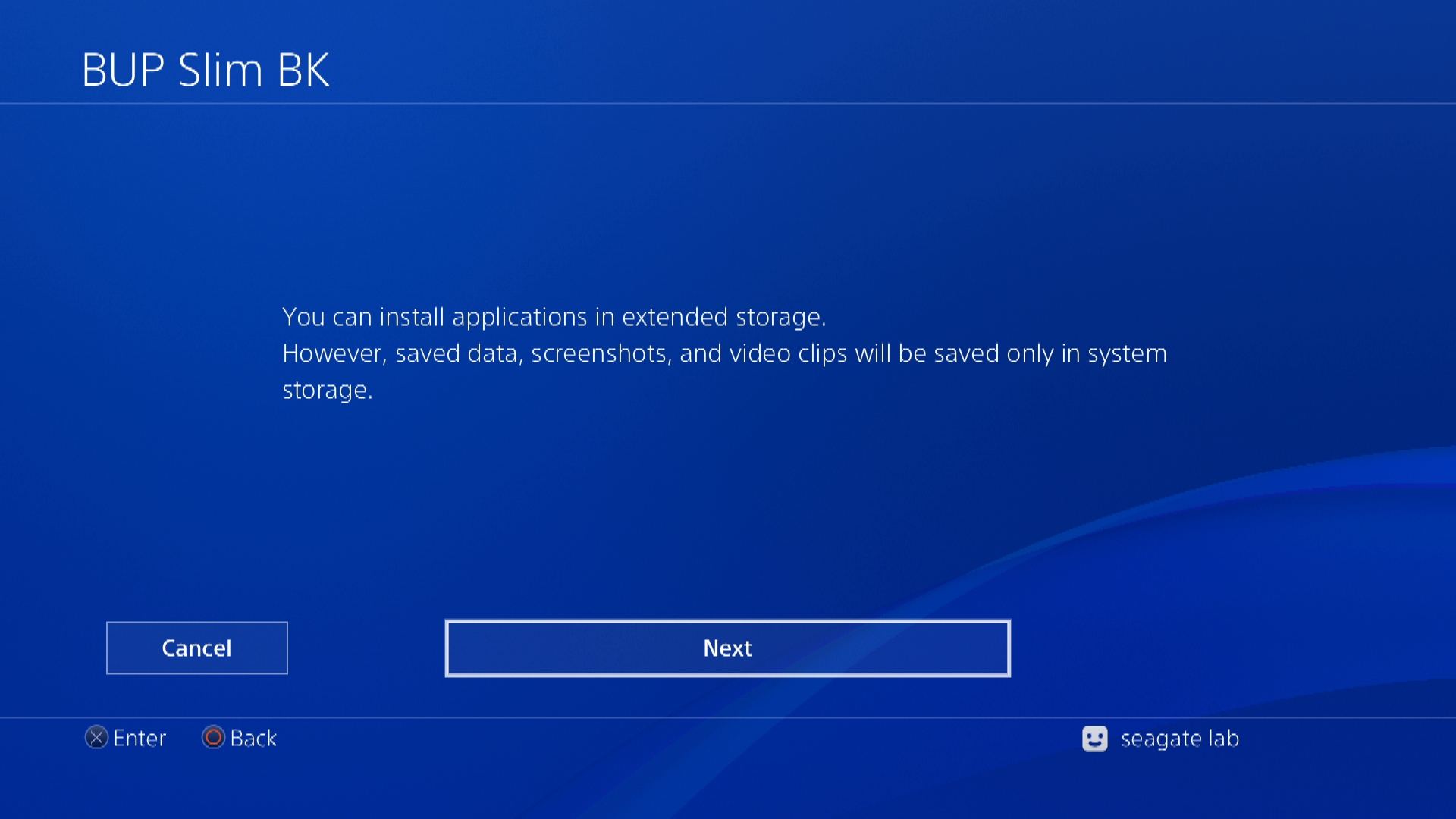
6) Select Next
7) Select Format
8) Once the formatting is complete the drive will now show up under Settings>Storage as Extended Storage
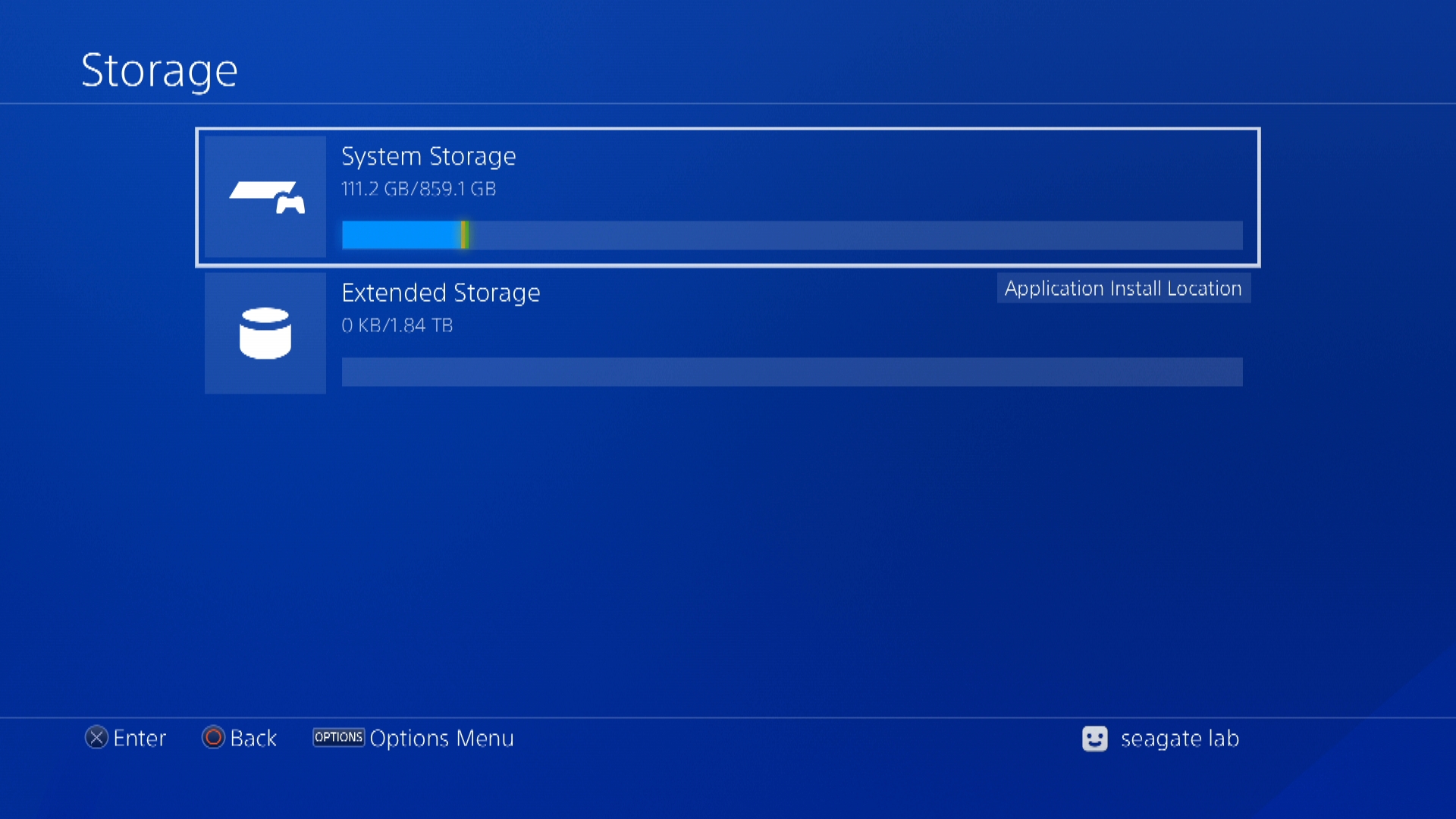
Note: The drive is now setup for PlayStation 4 external storage and will be used as the default location for game and app installations. The PlayStation 4 file system is not recognized by Windows or Mac operating systems and will need to be reformatted for use with either.


