Key takeaways
- Backup should prevent deletion, not just recover loss
- Separate active, archive and protected data
- Right-sized storage reduces friction and wasted time
You clear your phone storage before a trip so the camera keeps working. You scrub a console drive to fit one more install. You pay more each month for cloud storage that still feels cramped. Files end up scattered across devices and accounts; backups happen inconsistently. Eventually, you delete files that still matter, lose work you might need again, or waste time redownloading content you already had.
Nobody wants to make these compromises. They’re forced by storage limits that haven’t grown as fast as the data filling them.
In IDC’s latest Global DataSphere forecast, analysts observe that “the global DataSphere continues to expand.” They estimate that in 2025 the world generated 213.5 zettabytes (ZB) of data — and project that this number will more than double to 527ZB in 2029, with a CAGR of about 25%. As our data keeps growing, so does the need to store and protect it.
Think of higher-resolution photos and video, larger games, bigger creative projects and always-on video recording. Users’ installed storage devices aren’t keeping pace with their need to store and preserve more data. That gap creates friction, compromises and poor decisions.
World Backup Day is a good time to rethink that pattern. The goal is to manage more data in a way that doesn’t force your decisions. Consider a three-pronged strategy:
- Protect the files that matter.
- Free up fast storage for what’s next.
- Keep long-term libraries within reach.
This strategy applies across different use cases. Only the tactics change.
Gaming: Expand capacity, reduce churn
Today’s major studio games (known as AAA titles) can demand 100GB or more. A TechSpot analysis found that major PC game installs averaged about 11GB in 2012. Modern AAA releases now routinely exceed 100GB, with many titles like Call of Duty and Final Fantasy VII Rebirth reaching 120–160GB, according to GameRant. Throw in gameplay captures and clips and your primary drive can eventually become overwhelmed. Storage fills fast, creating a tedious cycle: delete, redownload, repeat.
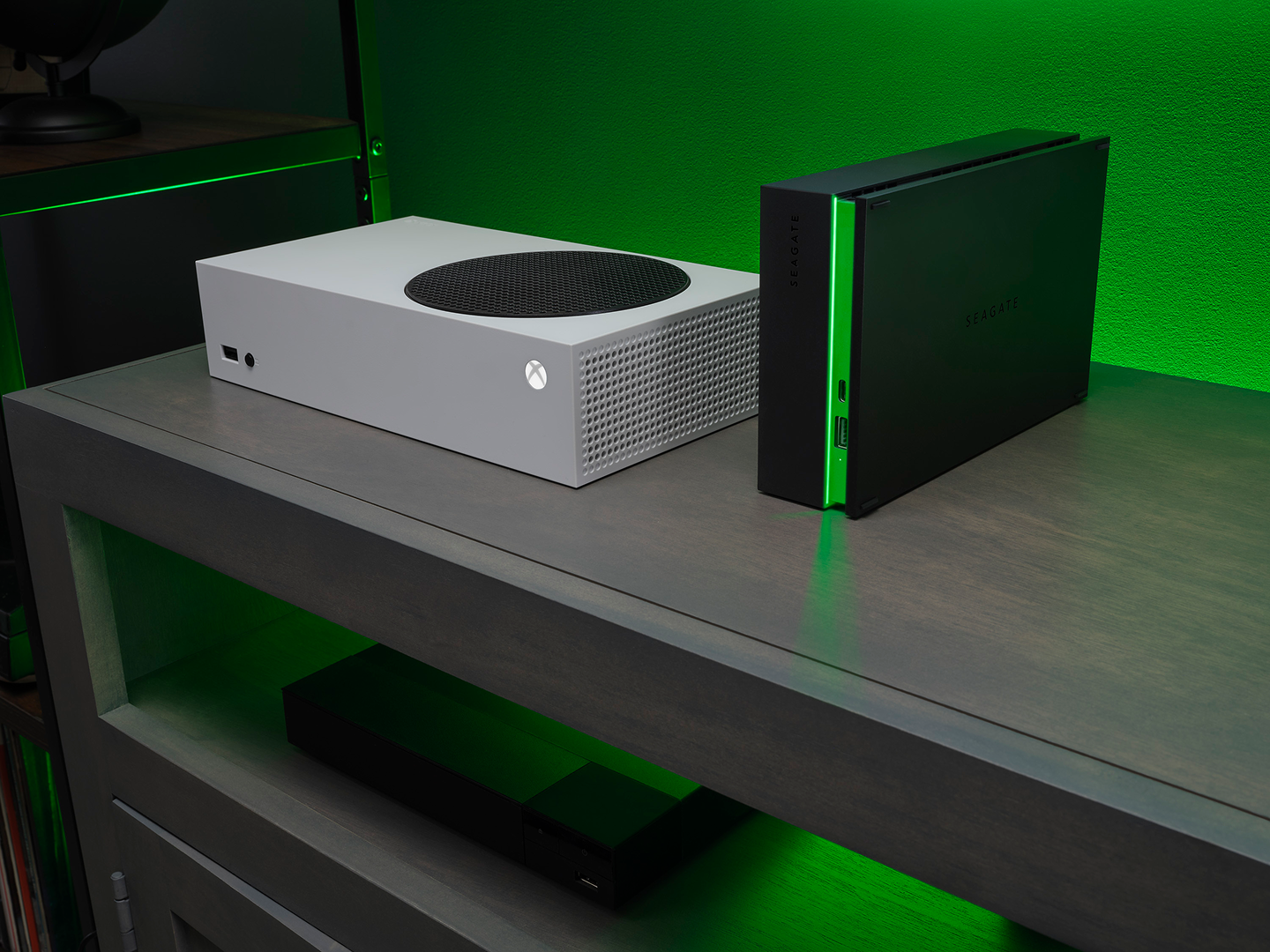
The fix: more capacity. A Seagate portable Game Drive or Game Drive Hub keeps your full library installed and your captures stored separately, freeing your primary SSD for gameplay. Less time managing storage, more time playing.
NAS: Build a stable home base for the long haul
If your household has generations of family photos, years of tax returns and a media library you’ve built since college, your files live on a menagerie of mobile devices, cloud accounts and dusty thumb drives. Duplicates multiply, things disappear, the monthly cloud bill keeps climbing.
A network-attached storage (NAS) appliance puts capacity and control on your network for a one-time cost, enabling a tiered storage strategy:
- Everyday access and control for files you actively use and share across devices
- A long-term library for years of accumulated content
- Protected backup for a redundant copy that guards against accidental deletion
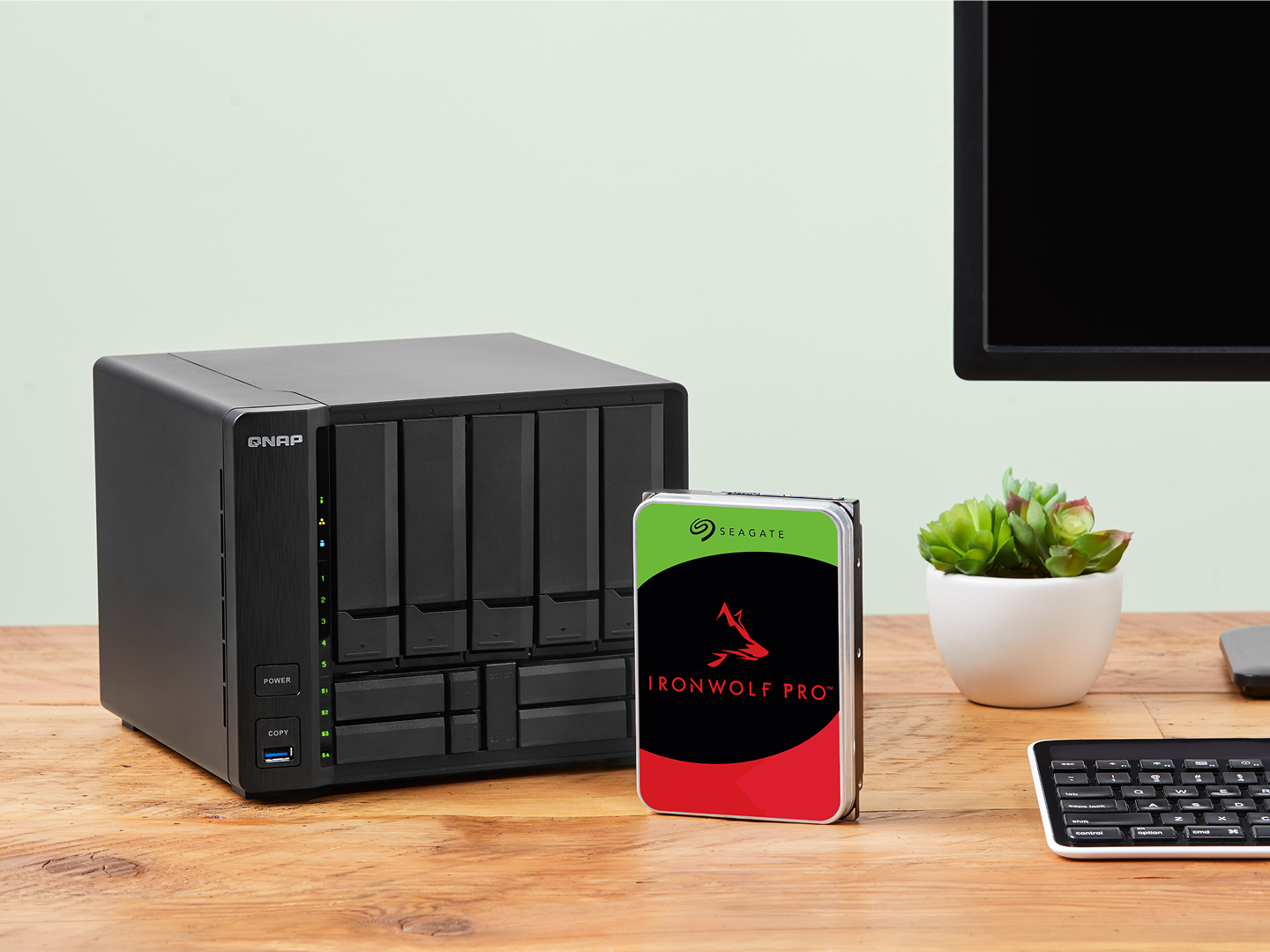
IronWolf® and IronWolf Pro NAS drives support any use case with a wide range of capacities up to 32TB per drive. You can store more with fewer drives, make fewer upgrades and reduce complexity while keeping costs predictable. You can swap in more capacity and change protection methods as needed, with IronWolf Health Management for proactive monitoring and peace of mind with included three-year Rescue Data Recovery Service.
Creative professional: Protect originals, keep projects moving
A single 4K video project generates hundreds of gigabytes of material before a single export. Every version, render and deliverable adds to the pile. Clients come back for re-edits months later, content gets repurposed for new campaigns and licensing deals surface when least expected.
Final deliverables get top protection priority, but it’s the source files, project assets and intermediate renders that make re-edits possible. Protecting pre-final assets from the moment they hit your workstation reduces risks like missed deadlines, lost revenue or costly re-shoots.
A three-tier storage approach reflects how creative work happens.
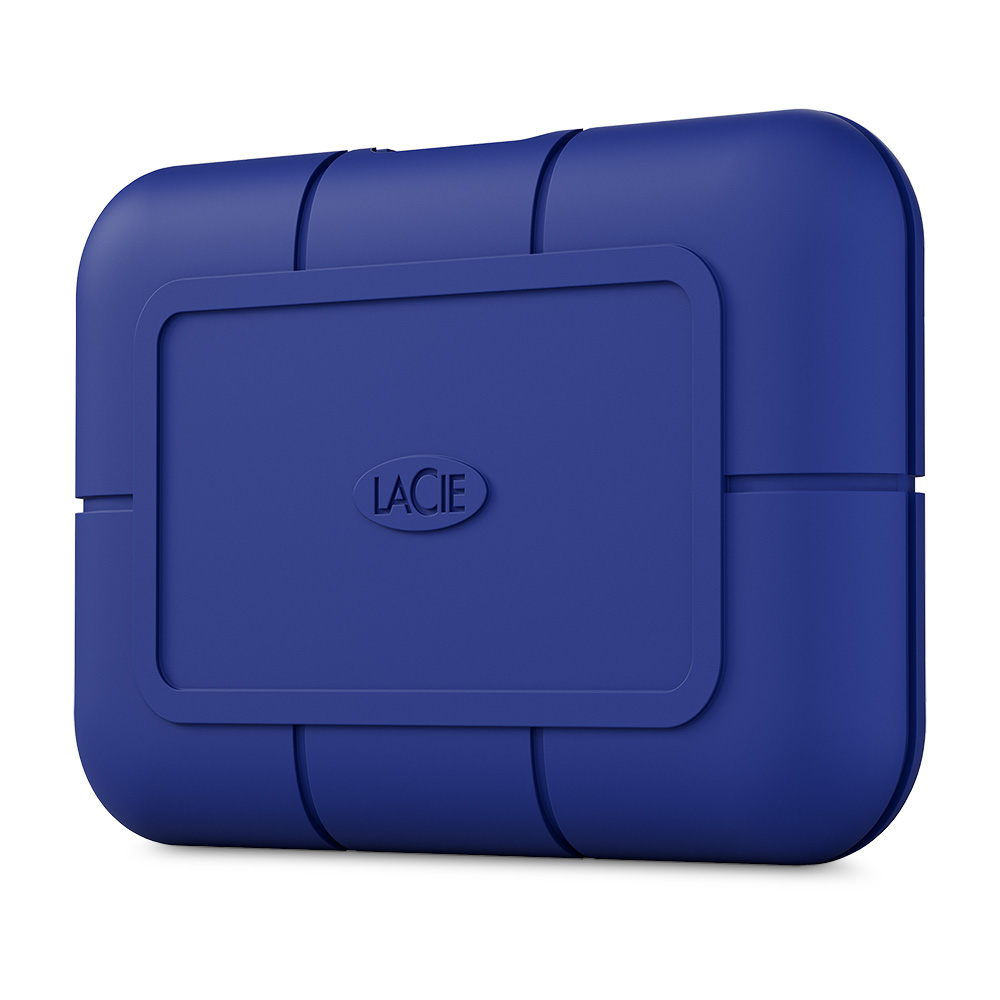
- Active projects that require everyday access live on fast, portable storage like the LaCie Rugged® USB-C or LaCie Rugged Mini, making it easy to edit, review and move between systems.
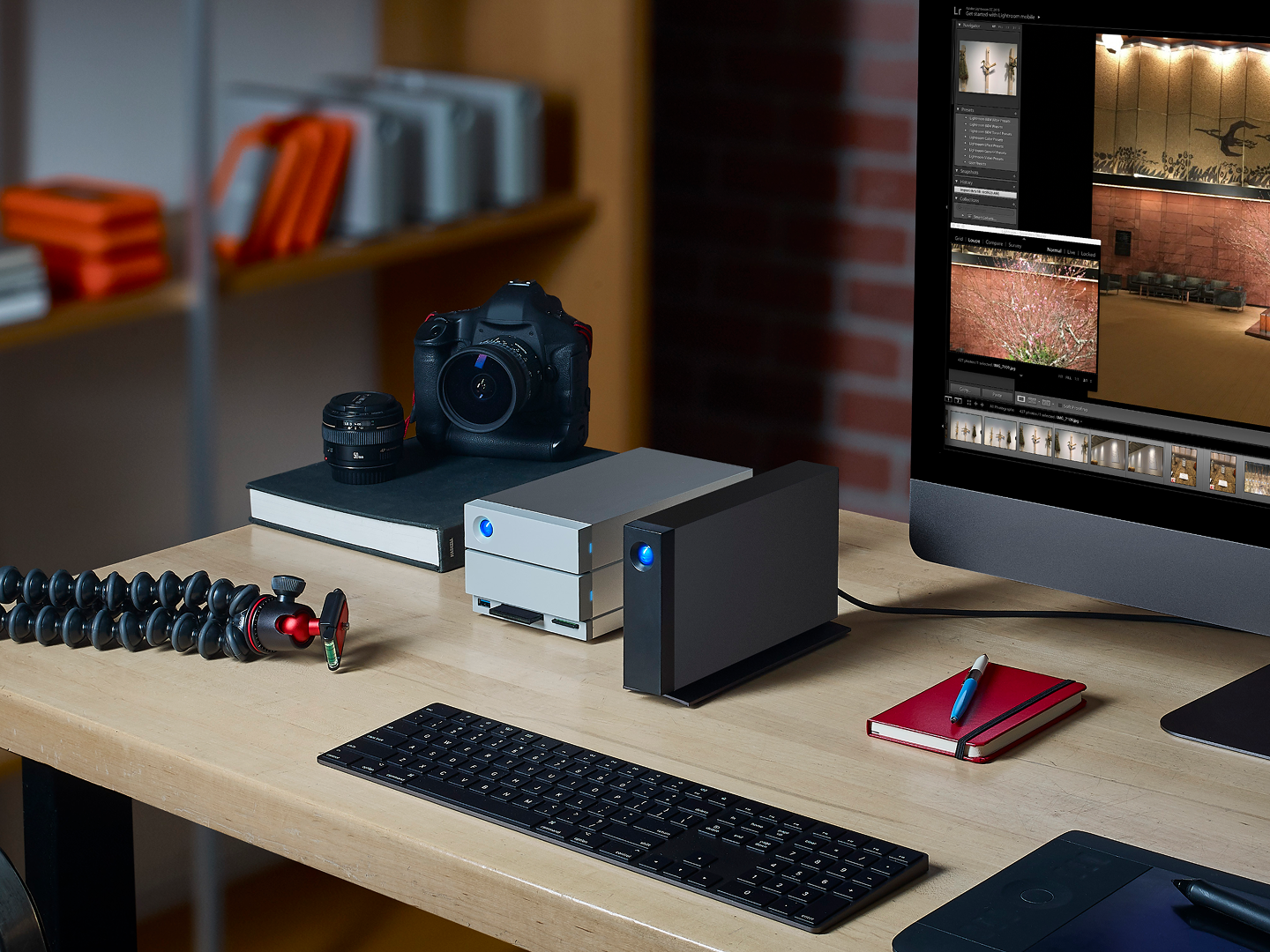
- When projects are no longer in daily use, they shift to high-capacity desktop storage such as the LaCie d2™ Professional or 2big RAID, creating a reliable long-term library.
- Original source files are then protected in a separate location as a dedicated backup, ensuring a single accident or loss does not put months of work at risk.
These three layers reduce disruption, minimize risk and create an accessible archive.
Video systems: Plan retention around reality
Video systems for security, operations or compliance generate data around the clock. A single camera writes several gigabytes per day and most deployments run multiple cameras. As organizations add coverage or raise resolution, storage requirements compound fast.
Trouble arrives quietly. Retention periods shorten “just for now.” Storage management demands time. Risk climbs as libraries face gaps, glitches and human error.
Follow a tiered structure with purpose-built products:
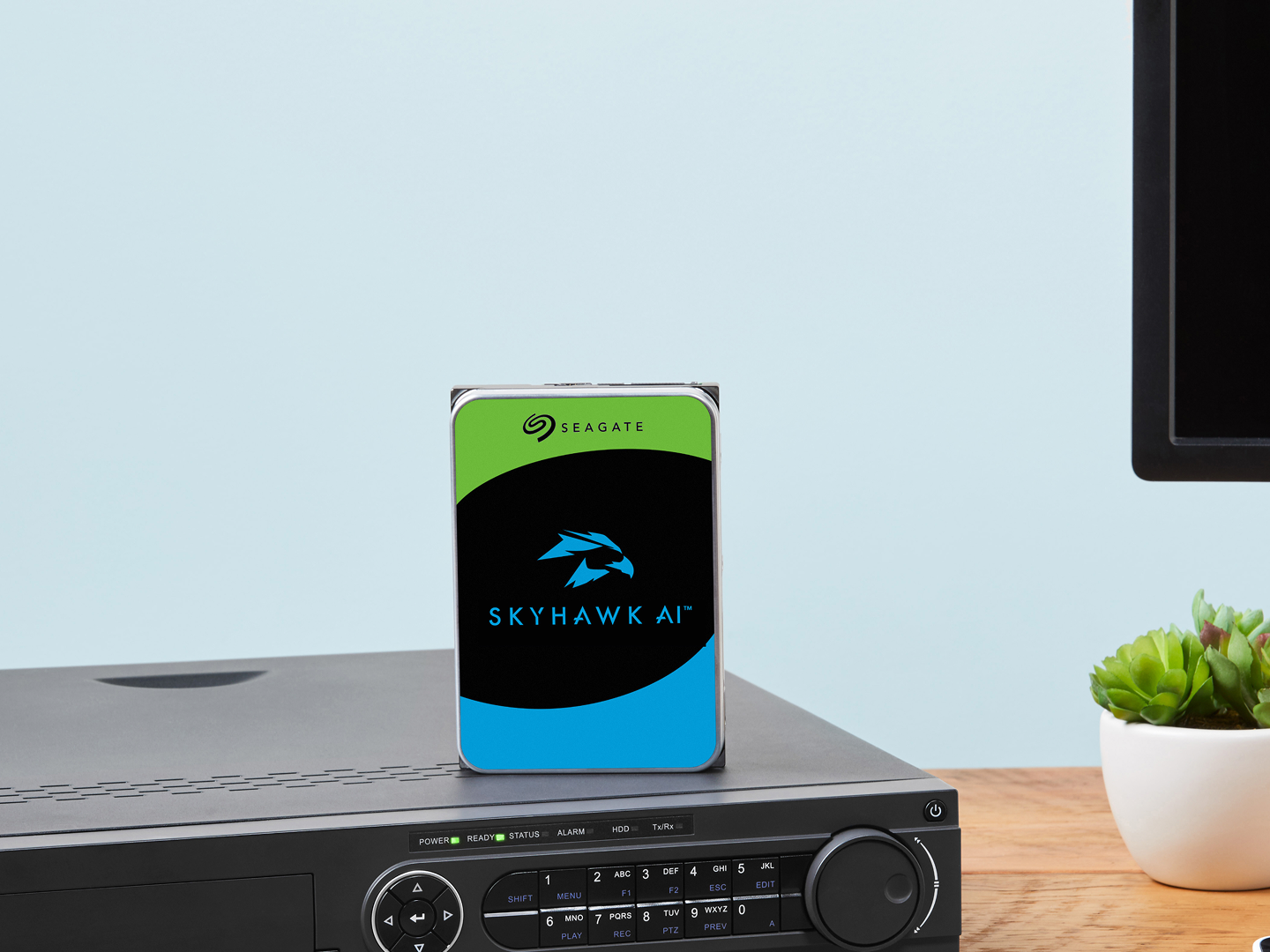
- Active recording on SkyHawk™ AI drives. SkyHawk is optimized for continuous-write video workloads and AI-enabled analytics. It supports up to 64 HD cameras and 32 AI streams and delivers zero dropped frames with ImagePerfect AI. Capacities up to 32TB retain months of footage in a compact form factor.
- Retained footage on additional high-capacity SkyHawk storage, in-system or in a NAS, right-sized to your retention window and growth projections.
- Protected copies stored separately ensure footage survives into the future.
Each tier scales independently as data grows, keeping retention predictable and operations simple.
Action items at a glance
You shouldn’t have to delete what matters to make room for what’s next. World Backup Day is a good time to (re)build a habit that scales with you.
Discover the backup solutions that work for your needs.