Was this content helpful?
How could we make this article more helpful?
Status LED
The LED on the front of the enclosure indicates the device's status. See the key below for the color and animations associated with each status.
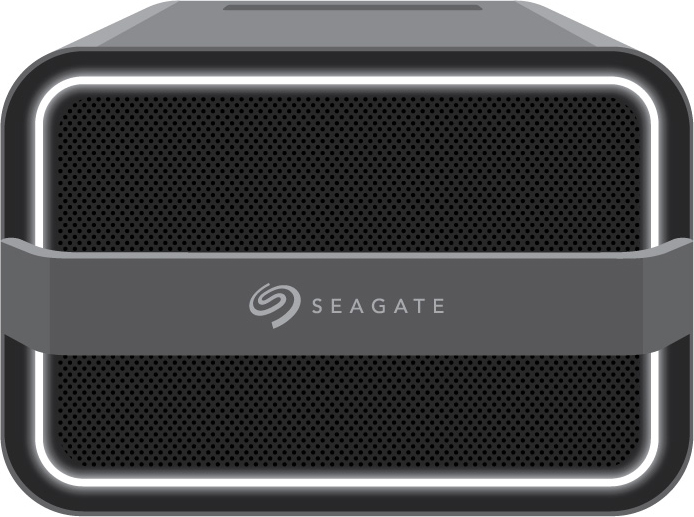
Key
| Status | Color 1 | Color 2 | Animation | Description |
| Off | N/A | Steady | Device is powered off. | |
| Identification | Breathe | A Lyve Client user has sent a prompt to identify the device. | ||
| Error | N/A | Steady | Error reported. | |
| Warning | Blink | Warning reported. | ||
| Manual power off | Fade out | A user initiated a manual power off. | ||
| Drive locked | N/A | Circular | Drive is locked. | |
| Configuration | N/A | Steady | Lyve Client is configuring the device. | |
| Ingest | N/A | Circular | Lyve Client is copying/moving data. | |
| I/O | Breathe | Input/output activity. | ||
| Ready | N/A | Steady | Device is ready. | |
| Booting | White | Blink | Device is starting up. |