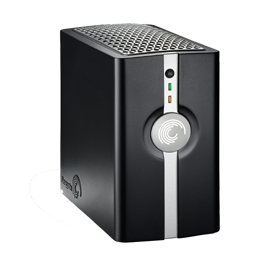
Whatever the cause of the problem, you can see which files are actually out of sync and force the computer and the Mirra to completely synchronize your backups by removing some local Mirra data files from the computer and restarting the local software along with the Mirra.
Read MoreTroubleshooting for access problems to mirra.com.
Read MoreHow to configure 2.2 Mirra with a static IP address.
Read MoreTroubleshooting for a conflict between Mirra Client sync software and Apple Mobile Me Sync Server software.
Read MoreSeagate provides two versions of the Mirra for Windows 2.2 installer. If you do not know if Microsoft .NET 1.1 SP1 is present on your computer, download and run this file. Learn more
Seagate provides two versions of the Mirra for Windows 2.2 installer. If you are certain that Microsoft .NET 1.1 SP1 is present on your computer, download and run this file. Learn more
The Mirra GetMirraInfo tool is distributed in two forms: GetMirraInfo.zip, a compressed file that must be expanded using an unzip utility. GetMirraInfo.exe, a self-extracting executable file. The contents of these files are identical. Learn more