Starting with version 2.44, Toolkit and Toolkit installers have been updated to universal applications removing Rosetta dependencies. Restart Toolkit or your computer while connected to the internet and Toolkit will automatically update the software to the latest version.
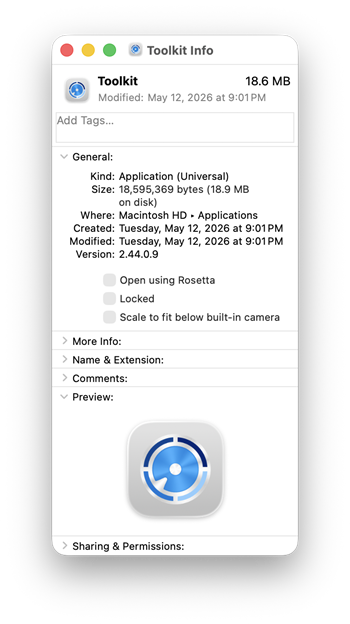
You can also confirm that Toolkit has updated to a universal application:
Open Applications and select Toolkit
Use one of the following three methods to determine application type:
Right-click/Control-click and select Get Info
Press Command-I
Click File in the menu bar and select Get Info
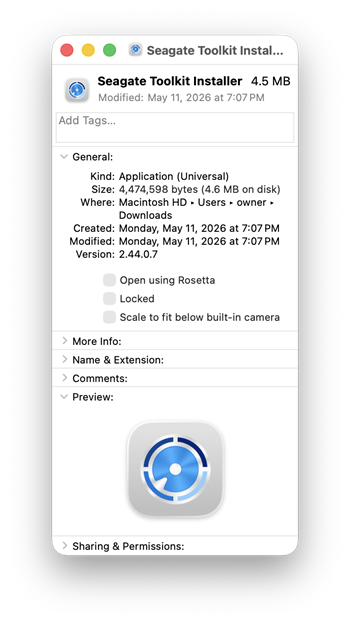
Once the info window opens, look for Kind: Application (Universal) as shown below.
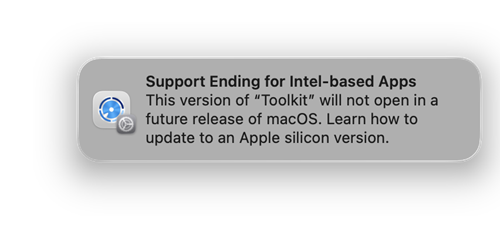
Your Mac may have displayed the following message when running or installing Toolkit. This message will no longer be shown after updating to 2.44 or later.