이 기사가 도움이 되었습니까?
이 기사를 더욱 유용하게 만들 수 있는 방법은 무엇입니까?
Dashboard
Use the Dashboard to view notifications relating to Lyve Mobile devices connected to the host computer. Dashboard information includes:
- Device connection types.
- Drive capacities and statuses.
- Import activities and progress.
- Event dates and timestamps.
Viewing devices on the Dashboard
Lyve Client automatically adds devices for inclusion in Lyve Client workflows and device management. To view device details, hover your cursor over a device card and click on the Inspect icon.

Creating a workflow
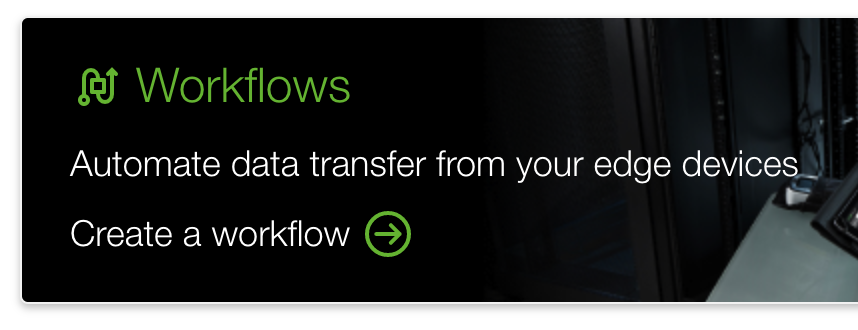
A workflow is a set of rules that allow you to automate file imports from one device to another. It can be invoked manually or automatically to start a data activity such as moving, copying, and deleting files. To create a workflow, click on the Continue icon at the top of the Dashboard.
Viewing activities on the Dashboard
To view details of workflow activities, hover your cursor over an activity card and click on the Inspect icon.
Dashboard notifications
Default
| Activity | Notification |
| Connection lost | [device] connection lost |
| Copy - in progress, complete | Copy from [source volume] to [destination volume] |
| Delete - in progress, complete | Delete files from [source volume] |
| Device added | [device] was added |
| Device connected | [device] connected |
| Device disconnected | [device] disconnected |
| Device locked | [device] locked |
| Device unlocked | [device] unlocked |
| Tag - in progress, complete | Tag files from [source volume] |
RAID
| Activity | Notification |
| Initialization | RAID Initialization, [device] |
| Maintenance | RAID Maintenance, [device] |
| Rebuild | RAID Rebuild, [device] |
| Warning | Array Failed, [device] |
Workflows
| Activity | Notification |
| Workflow actions finished | [workflow name] actions finished |
| Workflow created | [workflow name] was created |
| Workflow deleted | [workflow name] was deleted |
| Workflow edited | [workflow name] was edited |
| Workflow in progress | [workflow name] underway |
| Workflow turned on | [workflow name] was turned on |
| Workflow turned off | [workflow name] was turned of |
Workflow triggers
| Activity | Notification |
| Workflow trigger - automatic | [workflow name] trigger set to automatic |
| Workflow trigger - manual | [workflow name] trigger set to manual |
| Workflow trigger - prompt | [workflow name] trigger set to prompt |
| Workflow trigger - scheduled | [workflow name] trigger set to scheduled |