PS5® aficionados know game worlds are expanding with file sizes to match. You might be excited about the latest release, but having to shuffle games on and off your current setup dampens the mood just a little.
But there’s good news. Upgrading your console with a high-performance PS5® SSD gives you the capacity to keep your entire library at the ready, while cutting load times and keeping gameplay smooth.
And Seagate — a trusted name in gaming storage — delivers the speed and reliability serious players need, so your console is always prepped for the next level.
Best Seagate SSDs for PS5
Seagate offers a range of PS5®-ready SSDs designed for serious gaming. These drives combine the speed demanded by next-gen titles, but with all the weight of Seagate’s expertise to protect your growing collection.
Options include the ultra-fast PCIe Gen4 PS5 NVMe SSD with built-in heatsinks, as well as high-capacity external drives. There’s something for everyone.
Upgrading with a high-performance drive delivers faster load times and smoother play. See our guide — what does an SSD do for your gaming experience? — for a deeper look.
Game drive for PS5 M.2 NVMe SSD
The Game Drive PS5® NVMe SSD is officially licensed to work seamlessly with both the digital and standard editions of the console, providing a quick and reliable way to expand internal storage.
It delivers up to 7,300MB/s read and 6,900MB/s write speeds to fully tap the power of PCIe Gen4, allowing big titles to load quickly and play smoothly. A custom-built heatsink helps control temperatures and maintain peak performance, while up to 2TB of storage means you can keep more games installed without constant deleting or redownloading.
Installation is straightforward (all you need is a screwdriver) making it an easy, high-performance upgrade backed by a five-year limited warranty and three years of Rescue Data Recovery Services.
FireCuda 530R heatsink
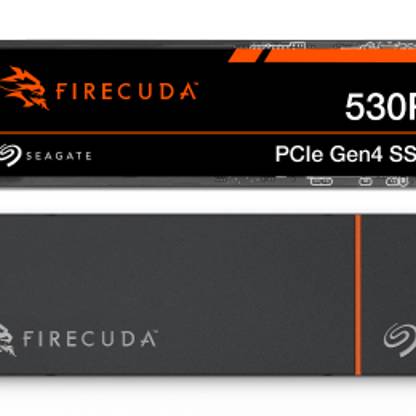
The FireCuda® 530R with heatsink delivers the high-end performance serious gamers demand. Its PCIe Gen4 interface provides lightning-fast load times and smooth gameplay, while the integrated heatsink maintains stable temperatures to sustain peak speeds during extended gaming sessions.
Official PS5® compatibility and Microsoft® DirectStorage support ensure next-generation responsiveness, both for launching massive titles and moving large files on a PC.
With endurance ratings up to 5,050 terabytes written (TBW), a five-year warranty and three years of Rescue Data Recovery Services, it pairs top-tier speed with long-term reliability.
Seagate Game Drive External PS5 SSD
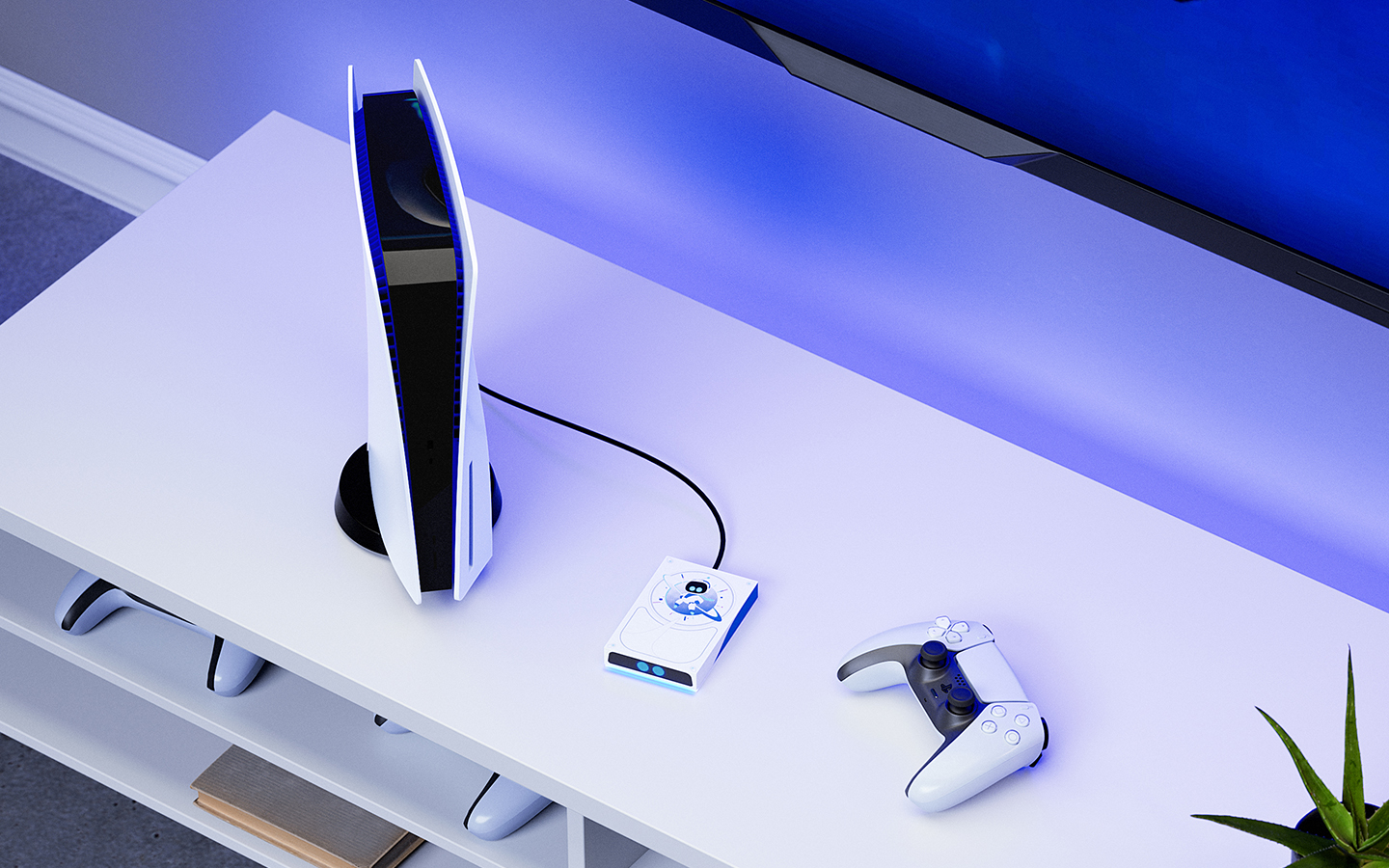
The Seagate Game Drive External SSD gives PS5® and PS4® owners a fast, simple way to expand storage without opening the console.
Its officially licensed PlayStation® design features a blue LED light strip that complements any setup, and it’s available in 1TB or 2TB capacities to hold more games, screenshots and video clips.
You can play PS4® games directly from the drive, while PS5® titles can be transferred from the external drive to your console’s internal SSD or M.2 expansion storage for gameplay, making it easy to manage your entire collection.
A USB 3.2 Type-C connection — with both USB-C to USB-A and USB-C to USB-C adapters included — delivers quick, bus-powered plug-and-play use, so no external power supply is needed.
Backed by a three-year warranty and bundled with a PlayStation® Plus Premium | Deluxe trial, it keeps your growing game library ready to play.
| Model | Capacity options | Read/write speeds | Heatsink included | Warranty | Best for |
| Game Drive for PS5® M.2 NVMe SSD | 1TB, 2TB | Up to 7,300/6,900MBps | Yes (custom heatsink) | Five-year limited + Three-year Rescue Data Recovery Services | Officially licensed internal upgrade for PS5® Digital and Standard Editions |
| FireCuda 530R Heatsink | 1TB, 2TB, 4TB | Up to 7,300/6,900MBps | Yes | Five-year limited plus three-year Rescue Data Recovery Services | High-end PS5® gaming and PC builds needing sustained Gen4 performance |
| Game Drive External PS5® SSD | 1TB, 2TB | Up to 1,050MBps (USB 3.2 Gen 2) | N/A (external drive) | Three-year limited | Expanding PS5®/PS4® game library externally with plug-and-play portability |
PS5 SSD compatibility requirements
Expanding your PS5® storage lets you keep more games ready to play and enjoy faster load times, but the drive you choose must meet Sony standards. Knowing these requirements will help you choose a drive that performs reliably and avoids compatibility issues.
Internal SSDs
An internal PS5® SSD upgrade gives you the same high-speed access as the console’s built-in storage, making it ideal for playing PS5® games directly. To meet Sony's specifications, look for:
- PCIe Gen4 NVMe M.2: The drive must be Gen4. Gen5 models will work, but they will run at Gen4 speeds inside the PS5®.
- Read speed of 5,500 MBps or faster: This is the minimum for smooth gameplay; drives like the Seagate FireCuda 530R exceed 7,000 MBps.
- M.2 2280 form factor: Only those that are 22 mm wide and 80 mm long fit the PS5® slot.
- Heatsink required: Choose a model with a built-in heatsink or add one yourself to prevent thermal throttling.
- Capacity up to 8TB: Anything from 250GB to 8TB is supported, giving you plenty of space for an expanding library.
External SSDs
If you’d rather expand storage without opening the console, an external PS5 SSD is a plug-and-play option. External drives are the easiest way to add space and are perfect for storing an extensive library or moving games between systems. Keep these points in mind:
- USB 3.2 Gen2 or faster: A high-speed USB-C connection ensures quick transfers; drives such as the Seagate Game Drive External SSD meet this standard.
- PS4® game playback: You can play PS4® titles directly from an external SSD.
- PS5® game storage: You can store PS5® games externally, but you’ll need to copy them back to internal storage to play. For details on what is and isn’t possible, check how to play PS5® games from an external hard drive.
- Capacity options: Choose the size that fits your library needs — 1TB or 2TB models are common for quick plug-and-play expansion.
If you’re weighing different storage types, compare options in External hard drive vs. SSD for PS5® and PS4® to see which best fits your library.
Why Seagate is the smart choice for PS5 storage
Seagate has been shaping the future of gaming storage for decades, and its PS5®-ready SSDs carry that heritage forward. Each drive is built for gaming-optimized speeds, delivering the fast load times today’s titles demand.
Endurance ratings— measured in thousands of terabytes written— give you confidence that the drive can handle years of installations and updates. A reliable warranty and Rescue Data Recovery Services add extra protection, while simple internal or external installation makes expanding your library straightforward.
For gamers who want proven performance backed by a trusted name, Seagate offers a clear advantage. Choose the SSD that fits your setup and start your upgrade journey today by visiting our website.