






When using a GoFlex TV to browse to a Windows 7 computer which is setup as a Media Server, the movies may be listed but fail to play.
Here is what you may see when experiencing this problem:
Here is what you may see when experiencing this problem:
- Select Browse.
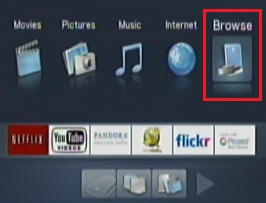
- Select Media Servers.
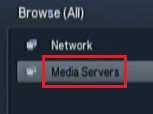
- Select the Media Server. (This image represents a Windows 7 computer.)
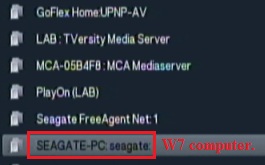
- Click Videos.
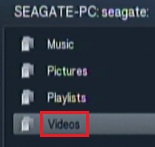
- Click All Videos.
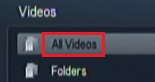
- Select a movie.
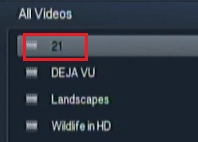
- The movie fails to play.

To correct, follow this procedure:
With the movies listed, use the Menu button on the remote. See Document ID: 215011 or Document ID: 217751 for instructions.
Notice that Browse is currently set to Show Movies, and that the movies are displayed.
The movies should play but they do not.- Set Browse to Show All Media.
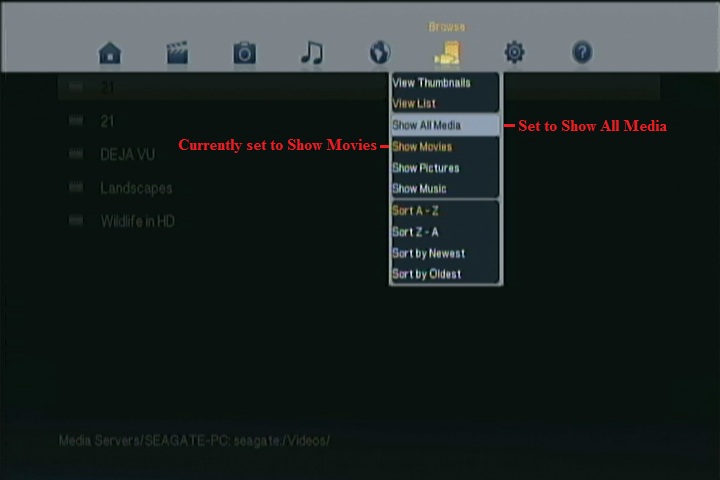
Now the movie will play.


